















Skip to content
Brand

The Harakumo brand

Logos, colors and type for writing about Harakumo, linking to it or building on it. Every file downloads as SVG (vector) or PNG at twice the size.

Color

Indigo, cyan and violet on night

The gradient belongs to the mark. Around it, a page is mostly the dark background, light text and one accent. Select a value or copy it with the button.

Brand gradient

Primary to accent to violet, corner to corner. It fills the mark.

linear-gradient(135deg, #6366f1, #06b6d4, #8b5cf6)
  • Primary

    Leads the gradient. Buttons and focus rings.

    HEX
    #6366f1
    RGB
    99, 102, 241
  • Primary light

    Links and highlights on dark surfaces.

    HEX
    #818cf8
    RGB
    129, 140, 248
  • Accent

    The middle of the gradient. Use it sparingly.

    HEX
    #06b6d4
    RGB
    6, 182, 212
  • Violet

    Ends the gradient.

    HEX
    #8b5cf6
    RGB
    139, 92, 246
  • Background

    The page behind everything.

    HEX
    #0a0a0f
    RGB
    10, 10, 15
  • Surface

    Cards and panels on the background.

    HEX
    #16161f
    RGB
    22, 22, 31
  • Text

    Headings and body text on dark.

    HEX
    #f0f0f5
    RGB
    240, 240, 245
  • Secondary text

    Supporting text and captions.

    HEX
    #9595ab
    RGB
    149, 149, 171
Typography

Two typefaces

Inter for everything people read, JetBrains Mono for everything people type. Both are free, open-source fonts.

Inter

Headings and text

The developer cloud your AI can run.

  • Regular 400
  • Semibold 600
  • Bold 700
  • Extra bold 800

The wordmark is Inter Bold with tight letter spacing.

JetBrains Mono

Code and commands

npm install @harakumo/sdk

  • Regular 400
  • Medium 500
  • Bold 700

For code samples, commands, endpoints and keys.

Usage

Do and don’t

A few rules keep the logo recognizable wherever it appears.

Do

  • Use the version made for your background: light lettering on dark, dark lettering on light.

  • Leave clear space of at least a quarter of the mark’s width on every side.

  • On photos, color and busy backgrounds, use a one-color logo.

  • Write the name as one word with a capital H: Harakumo.

Don’t

  • Don’t stretch, squash or rotate the logo.

  • Don’t recolor the mark or change its gradient.

  • Don’t put a logo on a background it was not made for.

  • Don’t add shadows, outlines or other effects.

Please don’t use the logo in a way that suggests Harakumo sponsors or endorses your product, or as part of your own product’s name or logo.

Banners

Ready to post

Made with the same colors and type, sized for where they go.
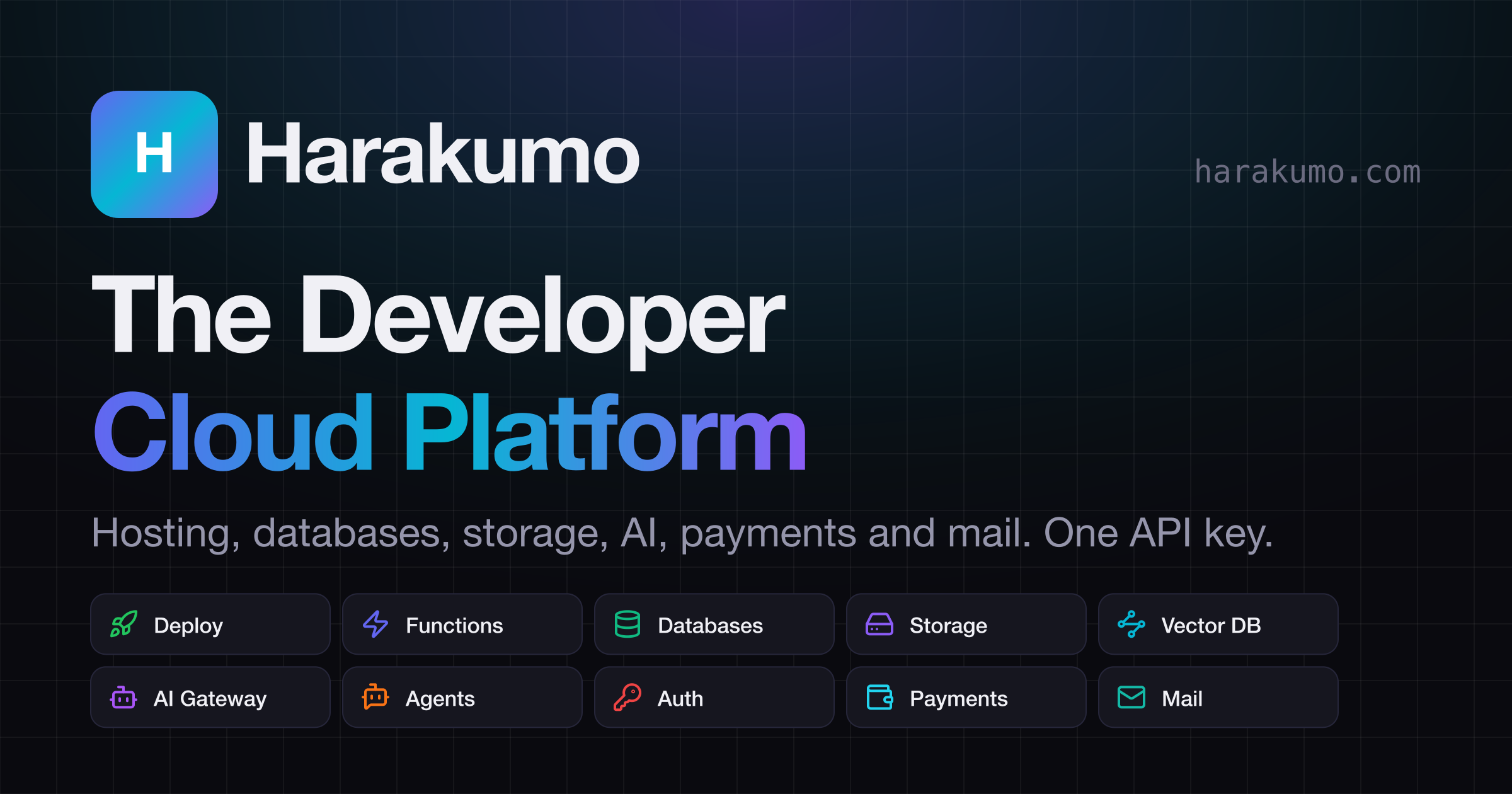
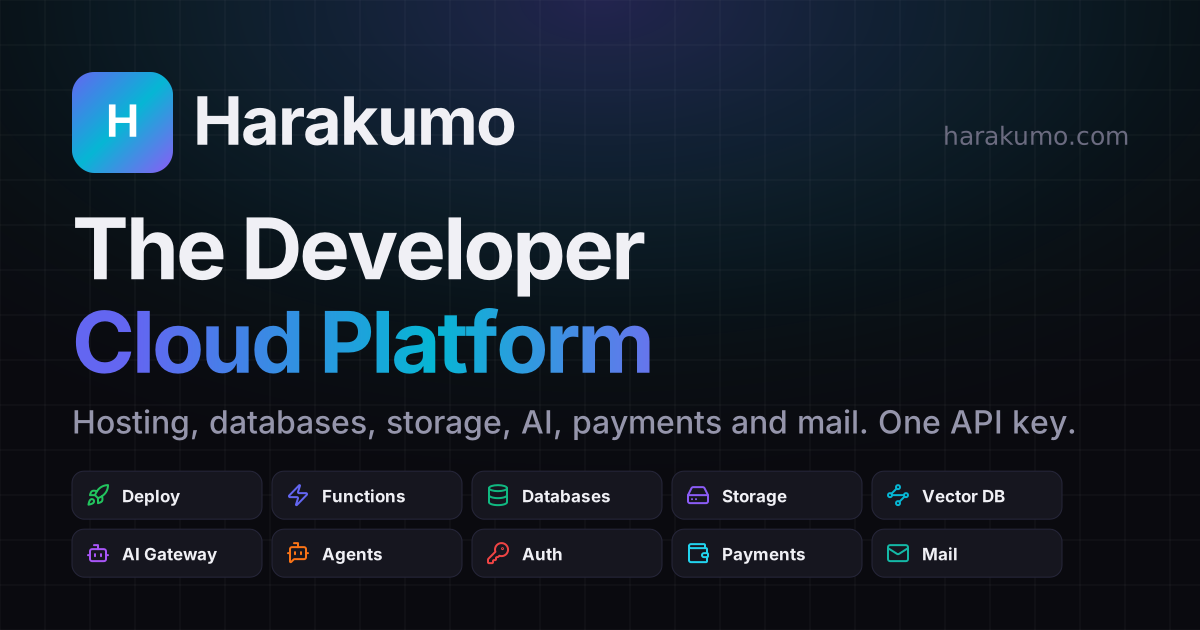
Harakumo link preview: the logo, "The Developer Cloud Platform", "Hosting, databases, storage, AI, payments and mail. One API key." and two rows of services
Link previewThe picture shown when a link to harakumo.com is shared · 2400 × 1260SVGPNG
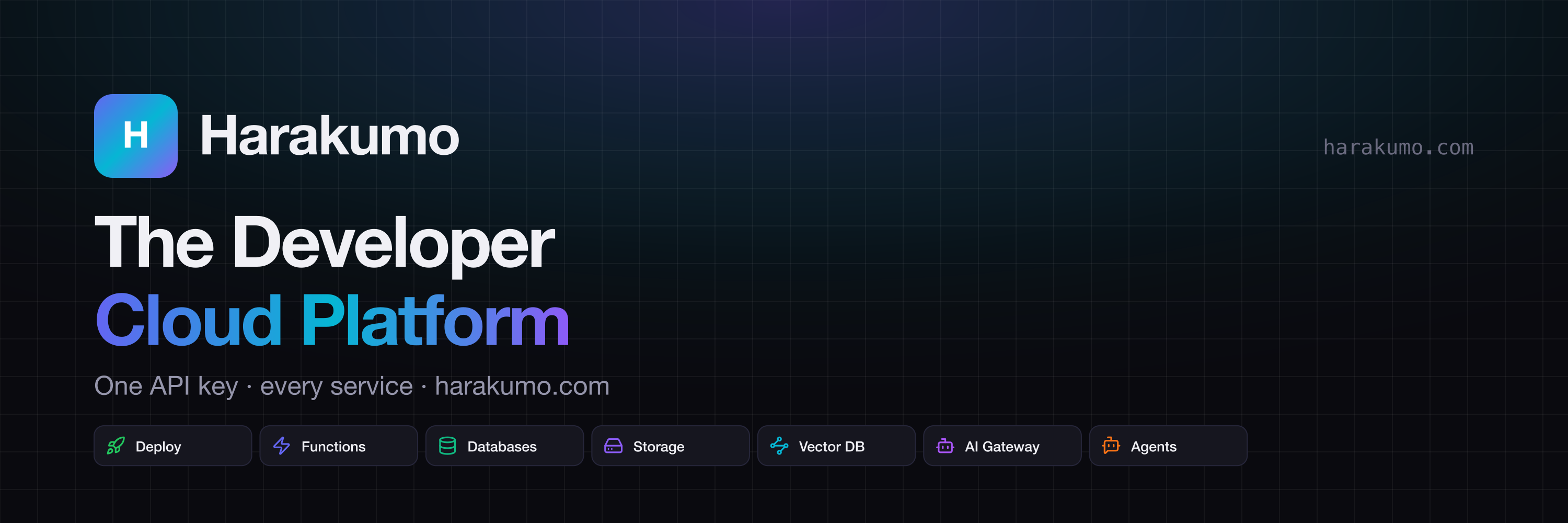
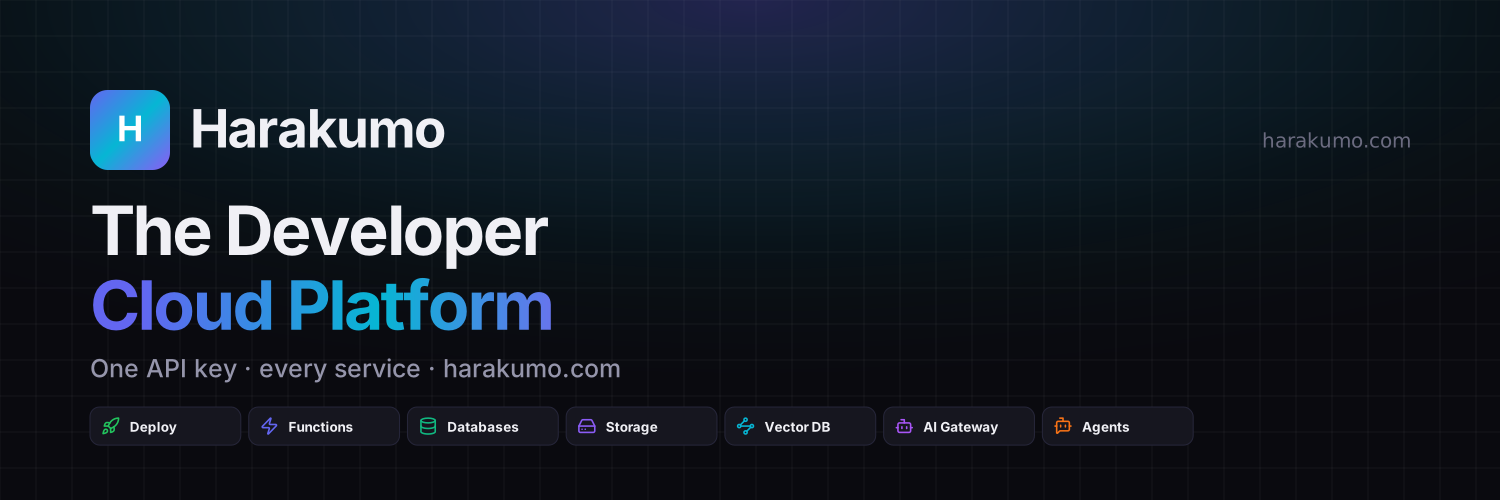
Harakumo profile header: the logo, "The Developer Cloud Platform", "One API key · every service · harakumo.com" and a row of services
Profile headerA wide header for a social profile · 3000 × 1000SVGPNG
Harakumo banner: the logo, "The Developer Cloud Platform" and "One API key · every service"
Page bannerA wide header for a company page · 3168 × 792SVGPNG
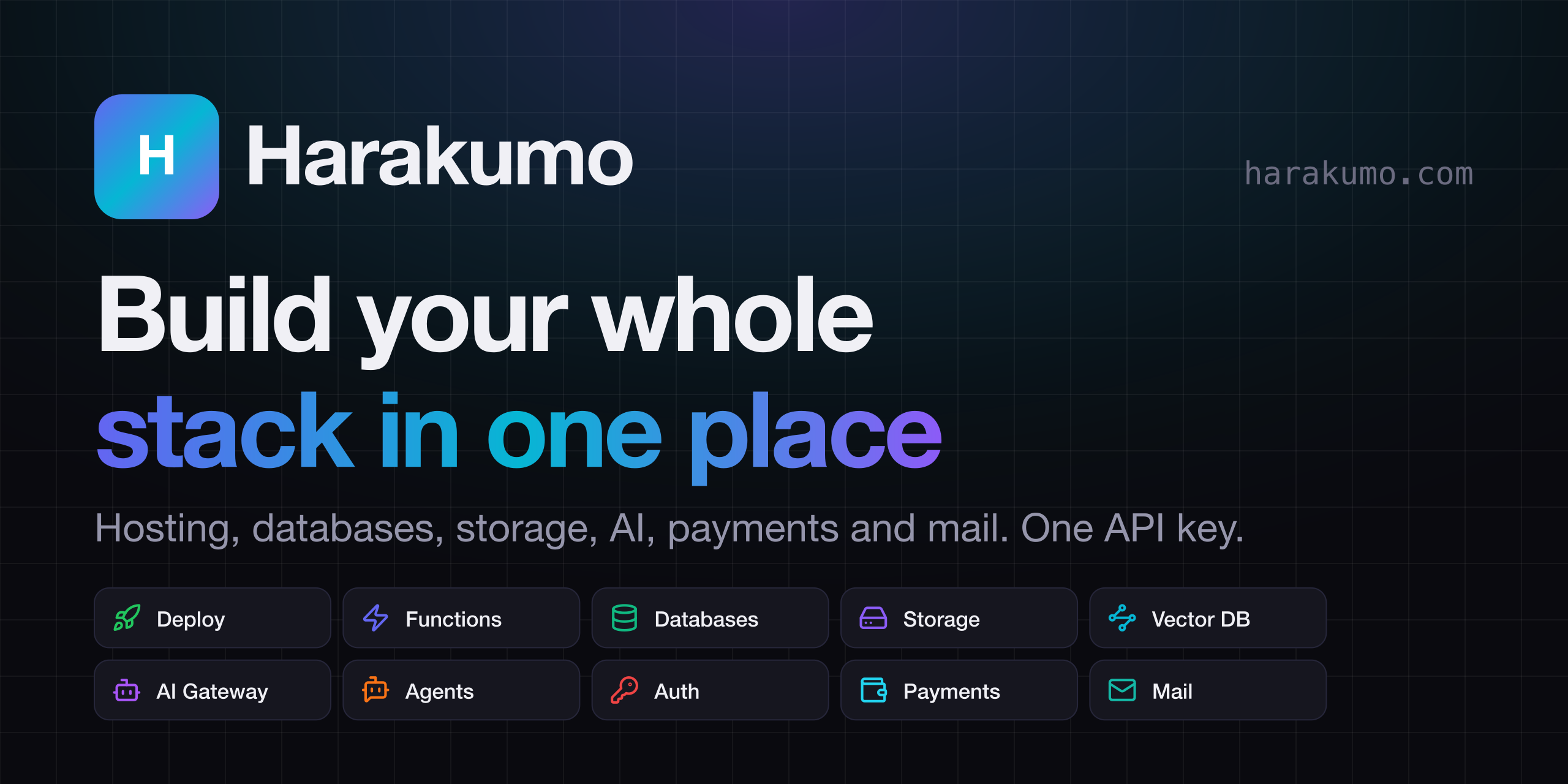
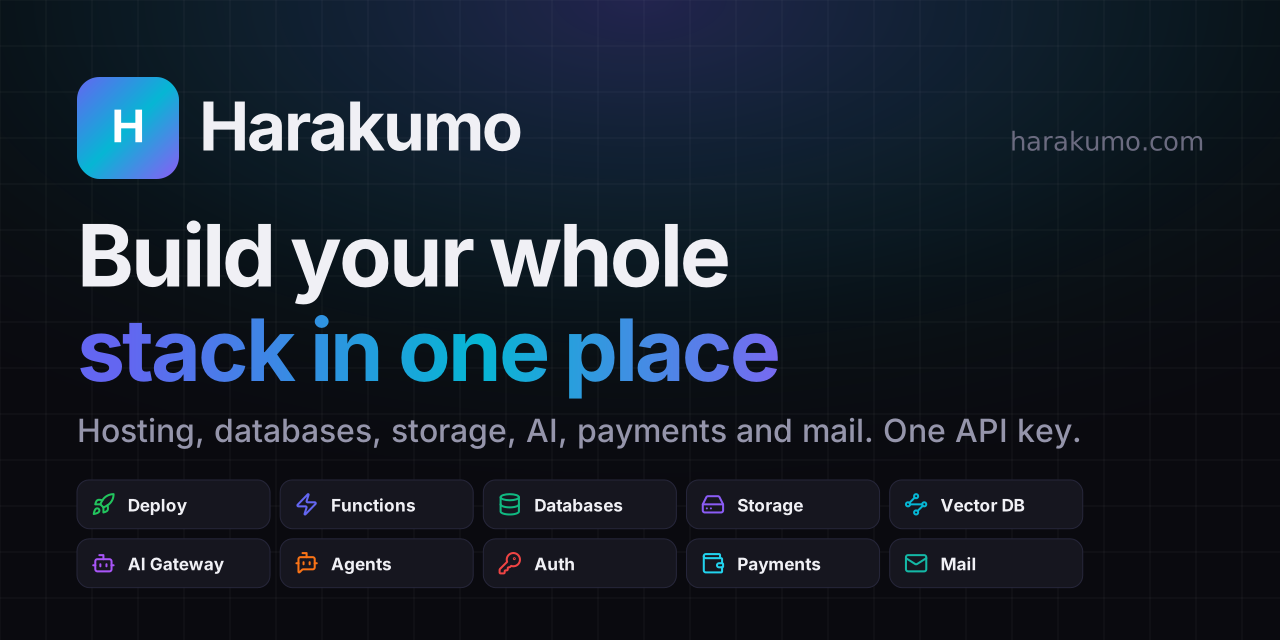
Harakumo repository preview: the logo, "Build your whole stack in one place", "Hosting, databases, storage, AI, payments and mail. One API key." and two rows of services
Repository previewThe picture shown when a code repository is shared · 2560 × 1280SVGPNG
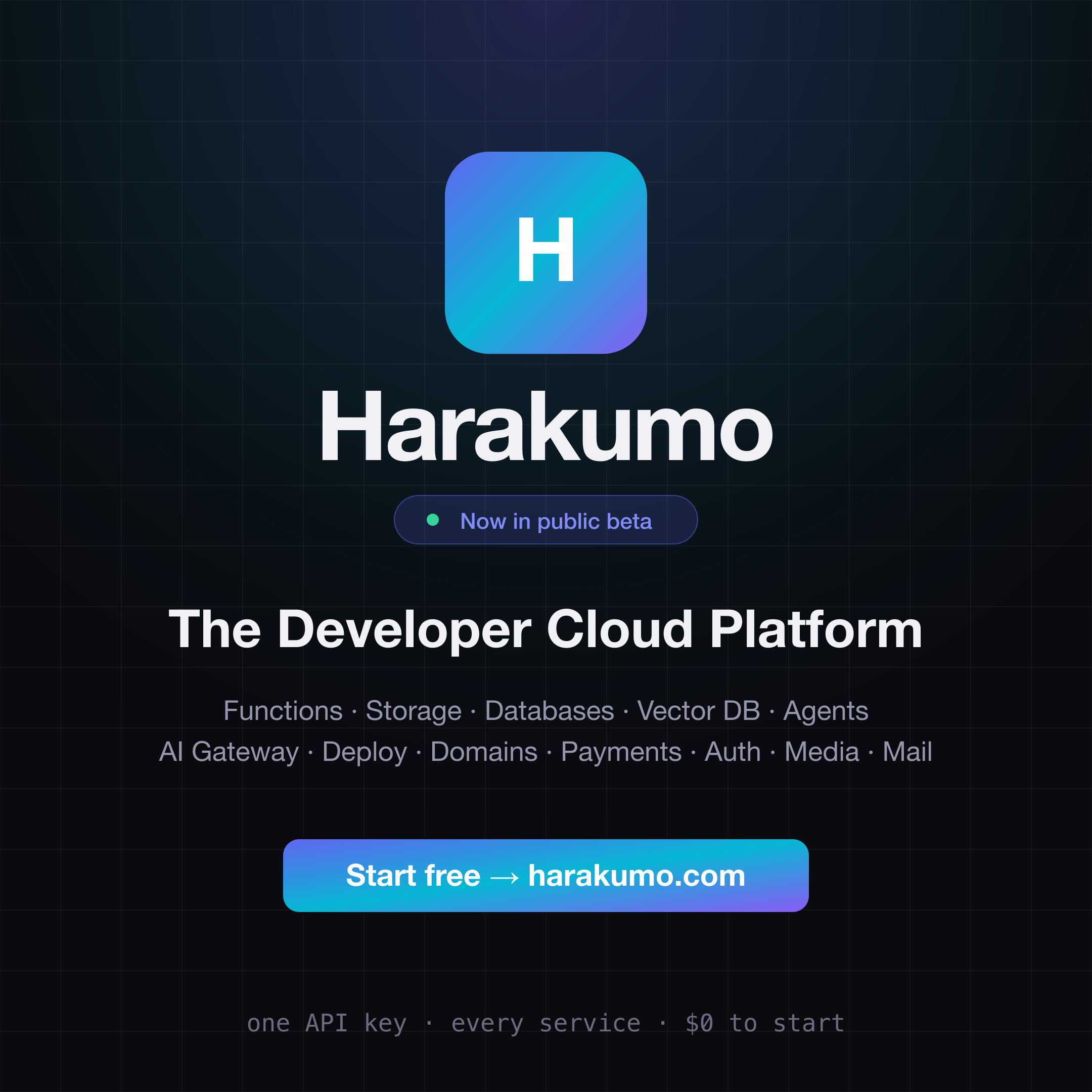
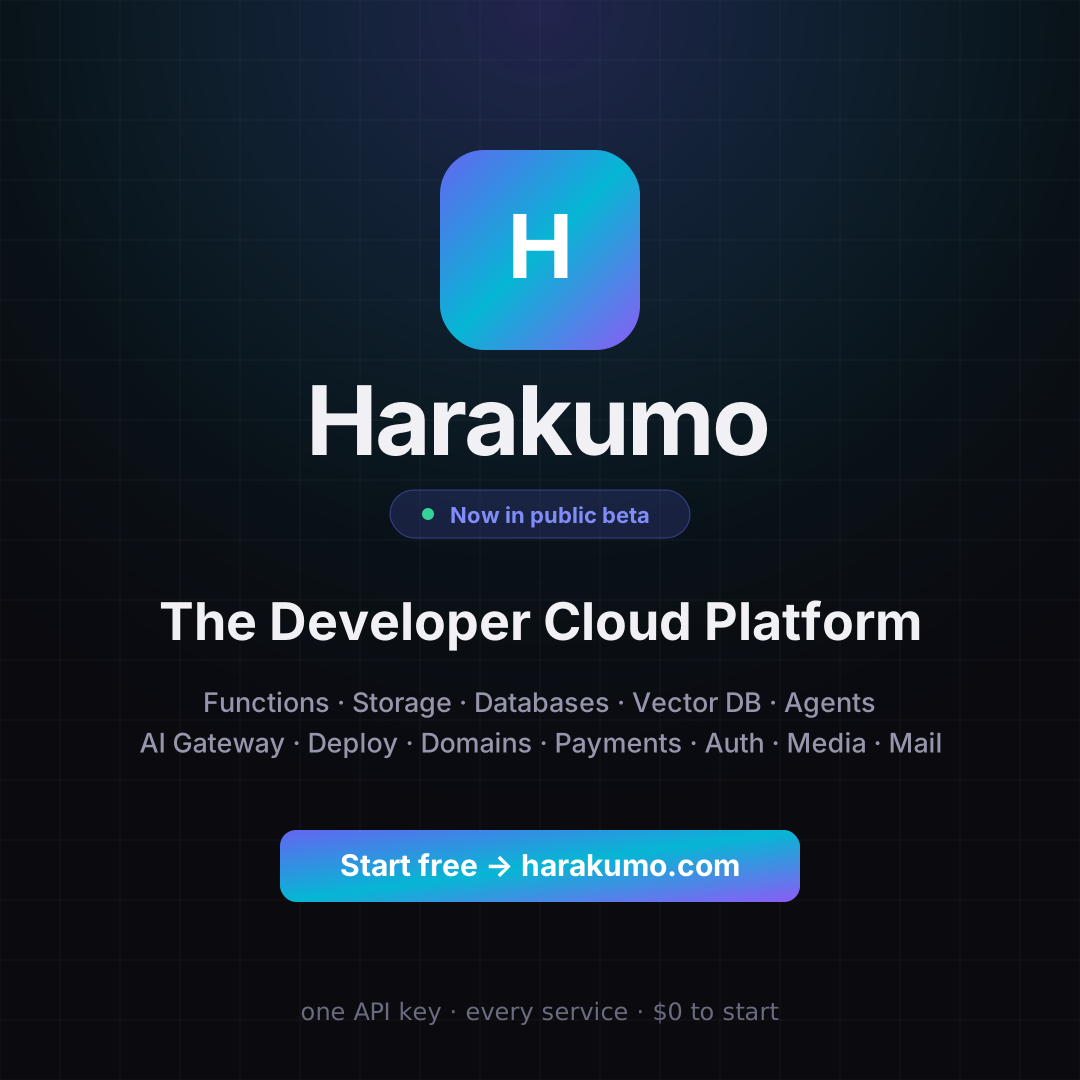
Harakumo launch card: the mark, "Now in public beta", "The Developer Cloud Platform" and the list of services
Launch cardA square card for announcements · 2160 × 2160SVGPNG
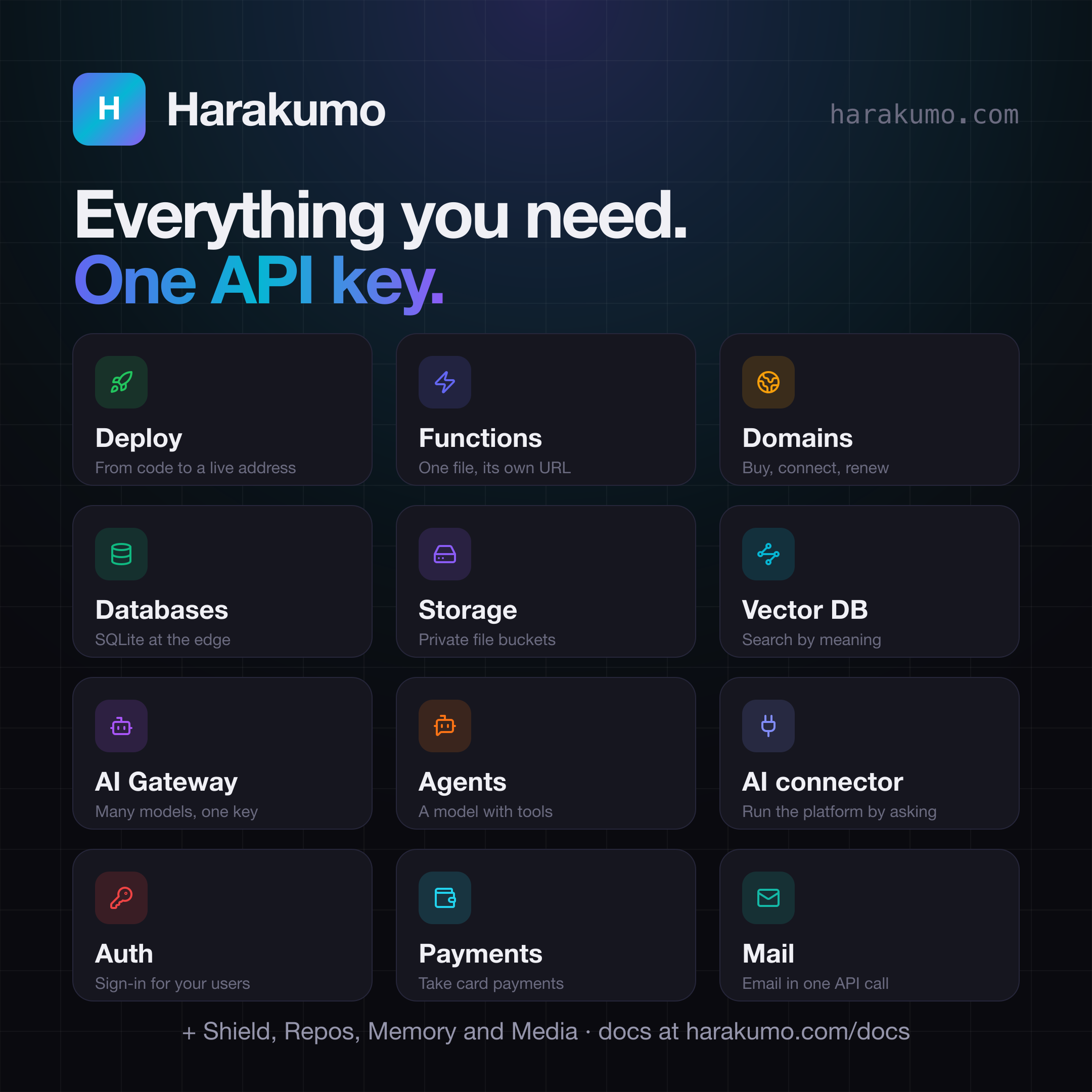
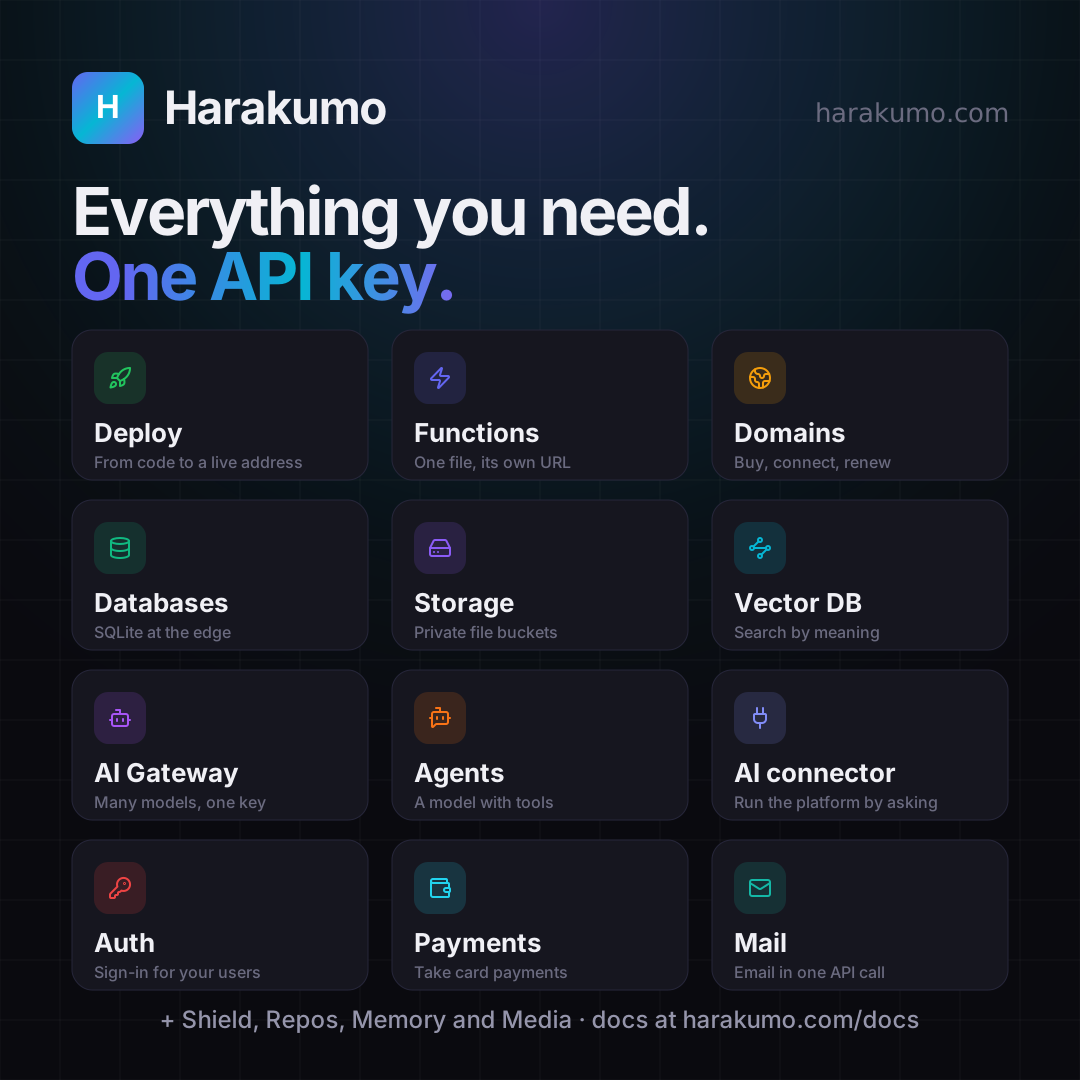
Harakumo services card: "Everything you need. One API key." over twelve services, each with its icon and a short line
Services cardA square card with twelve services · 2160 × 2160SVGPNG
Service cards

A card for every service

One square card per service, for a post about just that one. Each says what the service does in a few words, with no prices or limits that could go out of date.
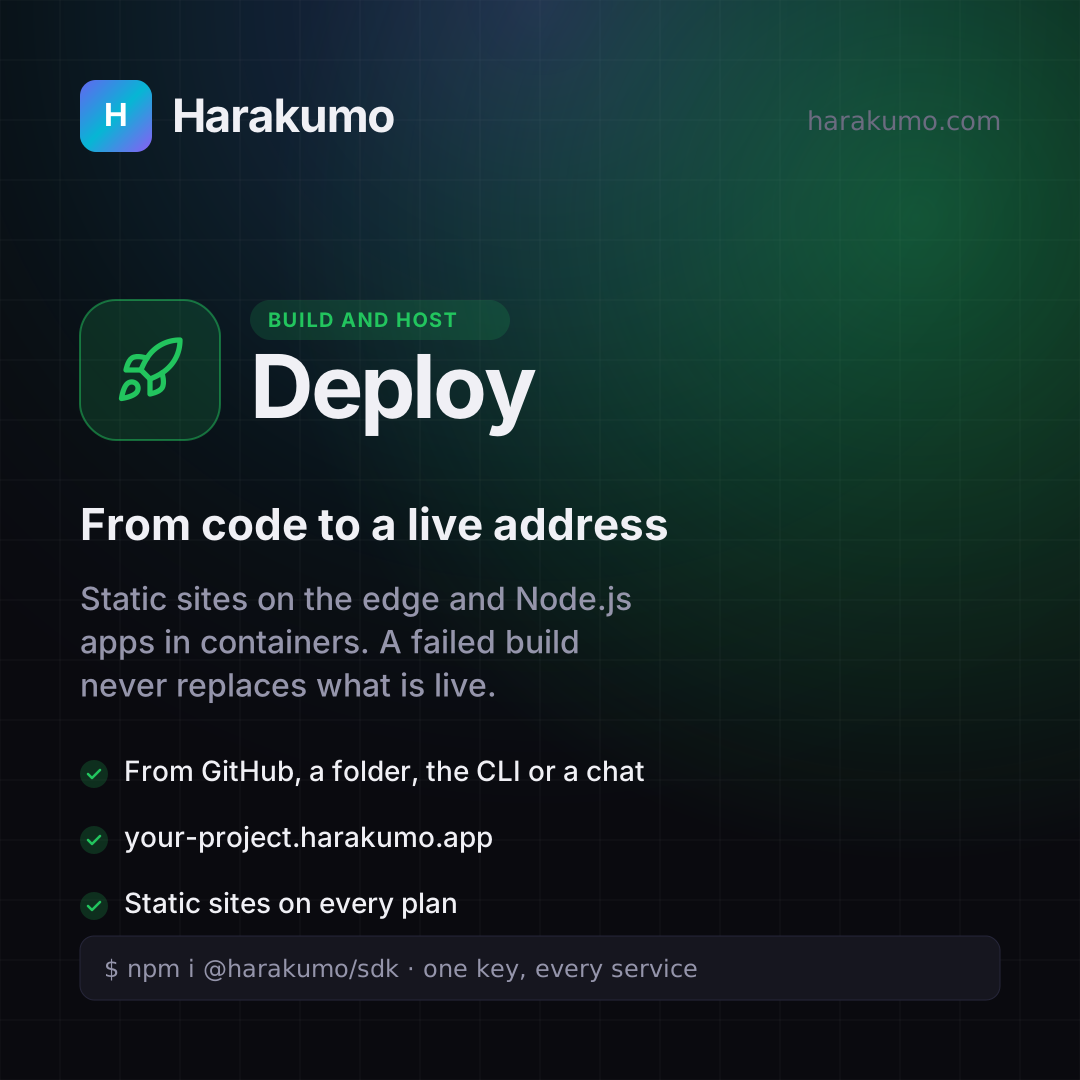
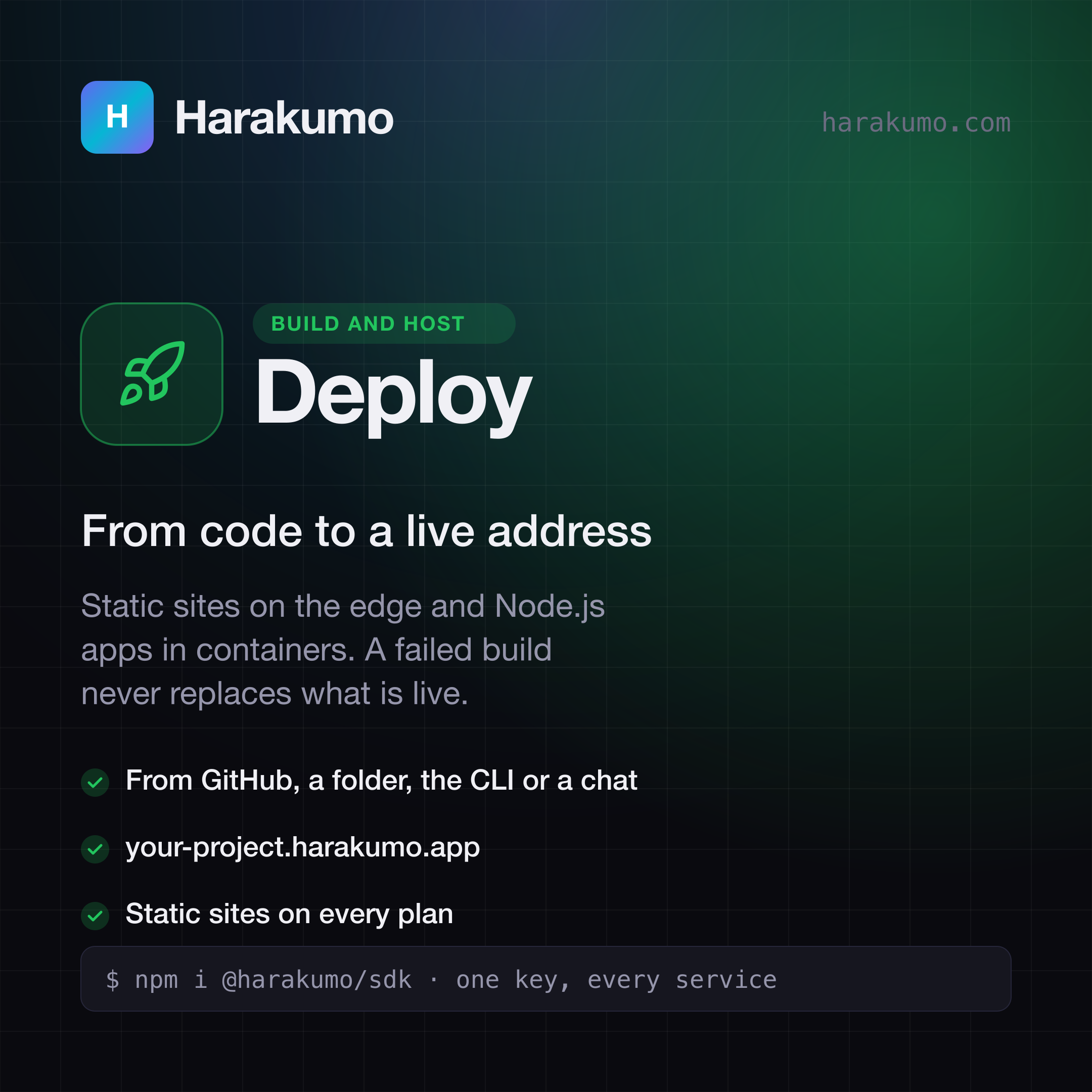
Harakumo Deploy card: "From code to a live address". Static sites on the edge and Node.js apps in containers. A failed build never replaces what is live.
DeployFrom code to a live addressSVGPNG
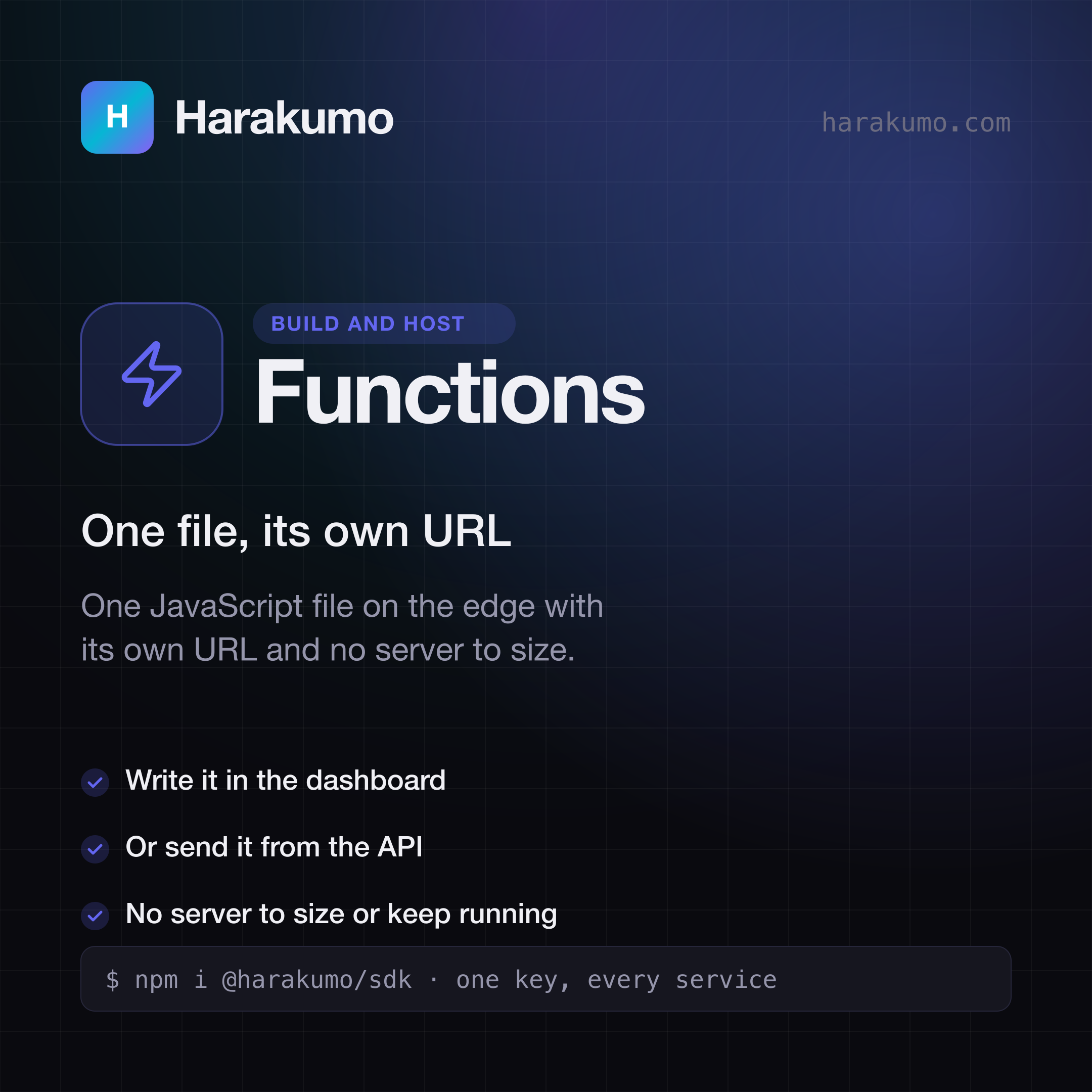
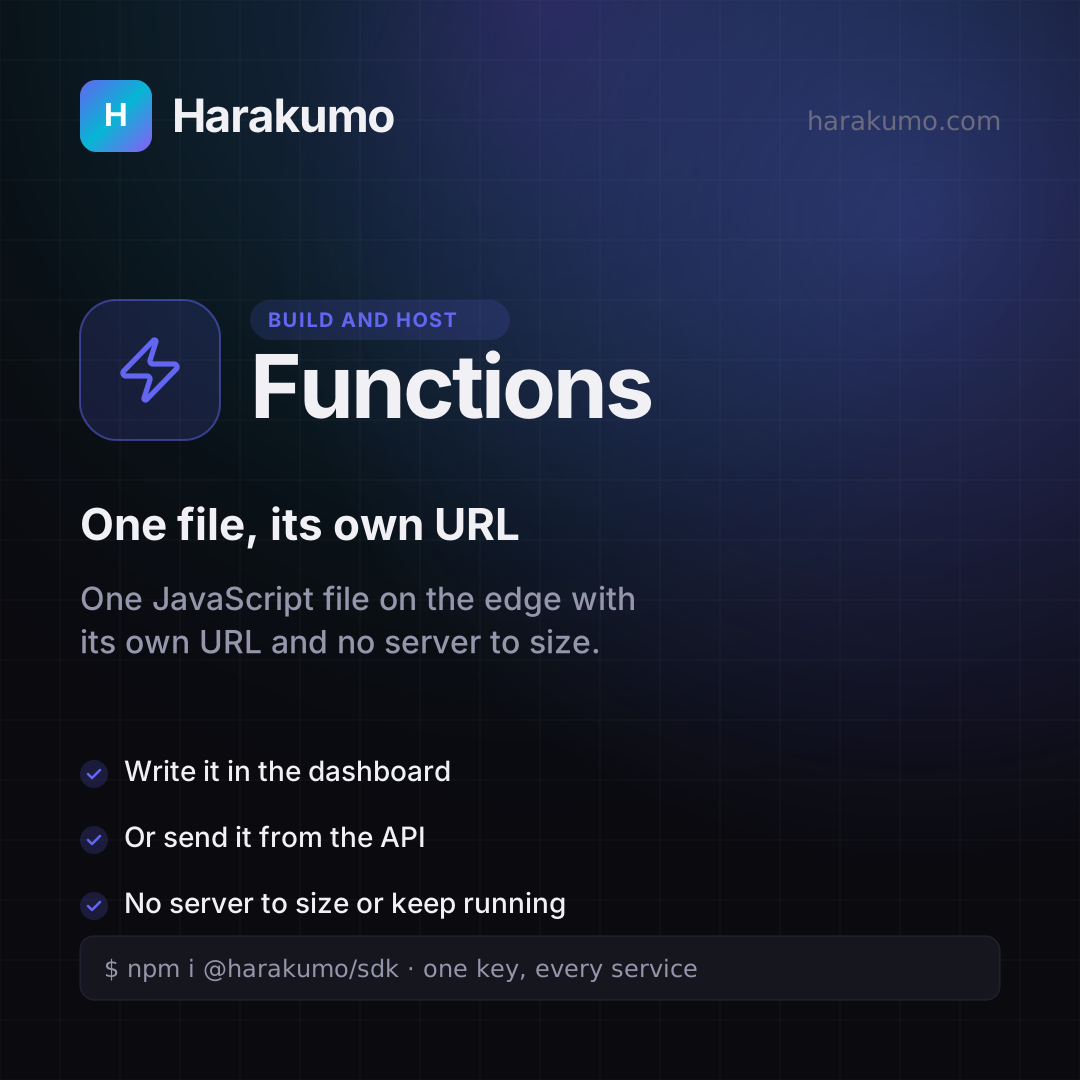
Harakumo Functions card: "One file, its own URL". One JavaScript file on the edge with its own URL and no server to size.
FunctionsOne file, its own URLSVGPNG
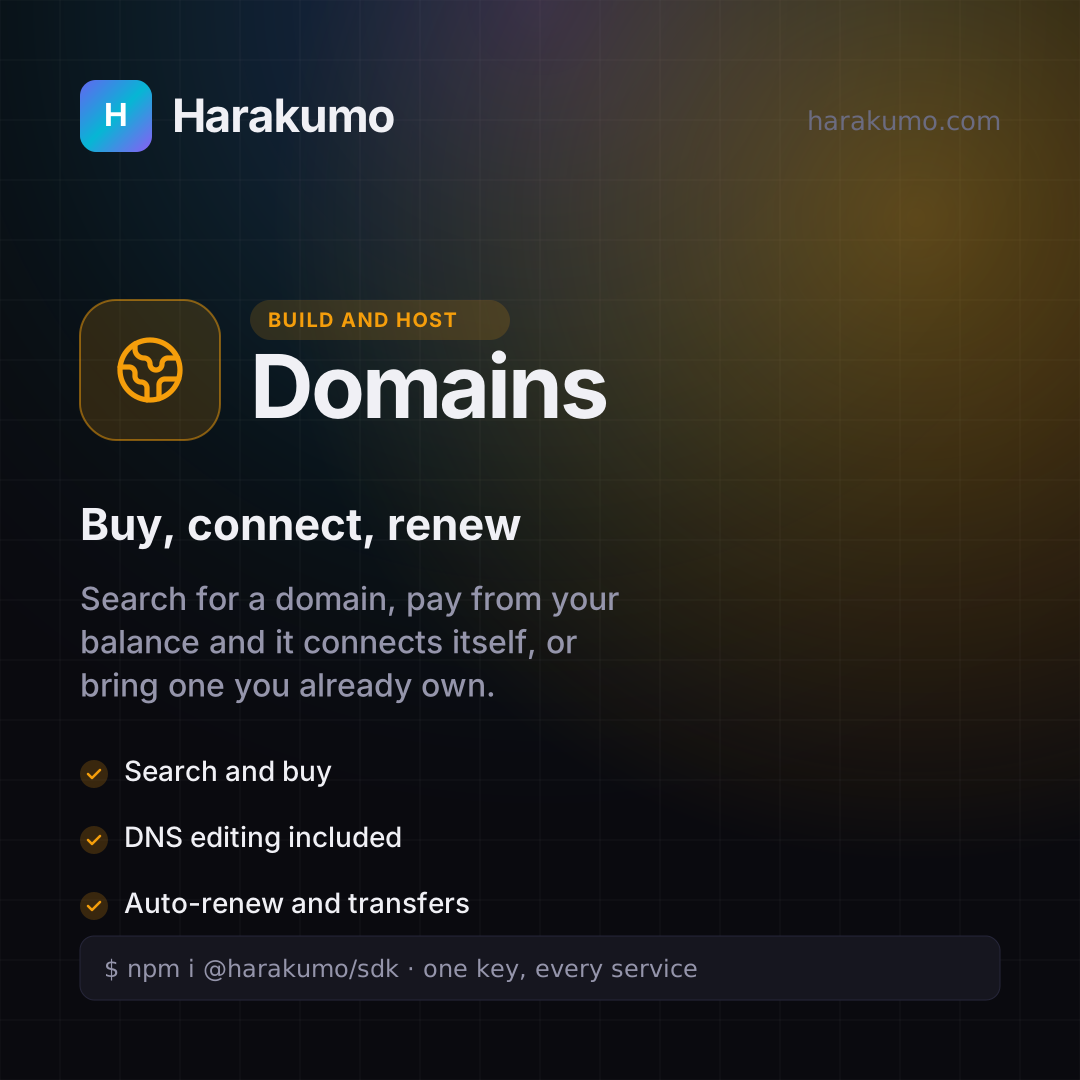
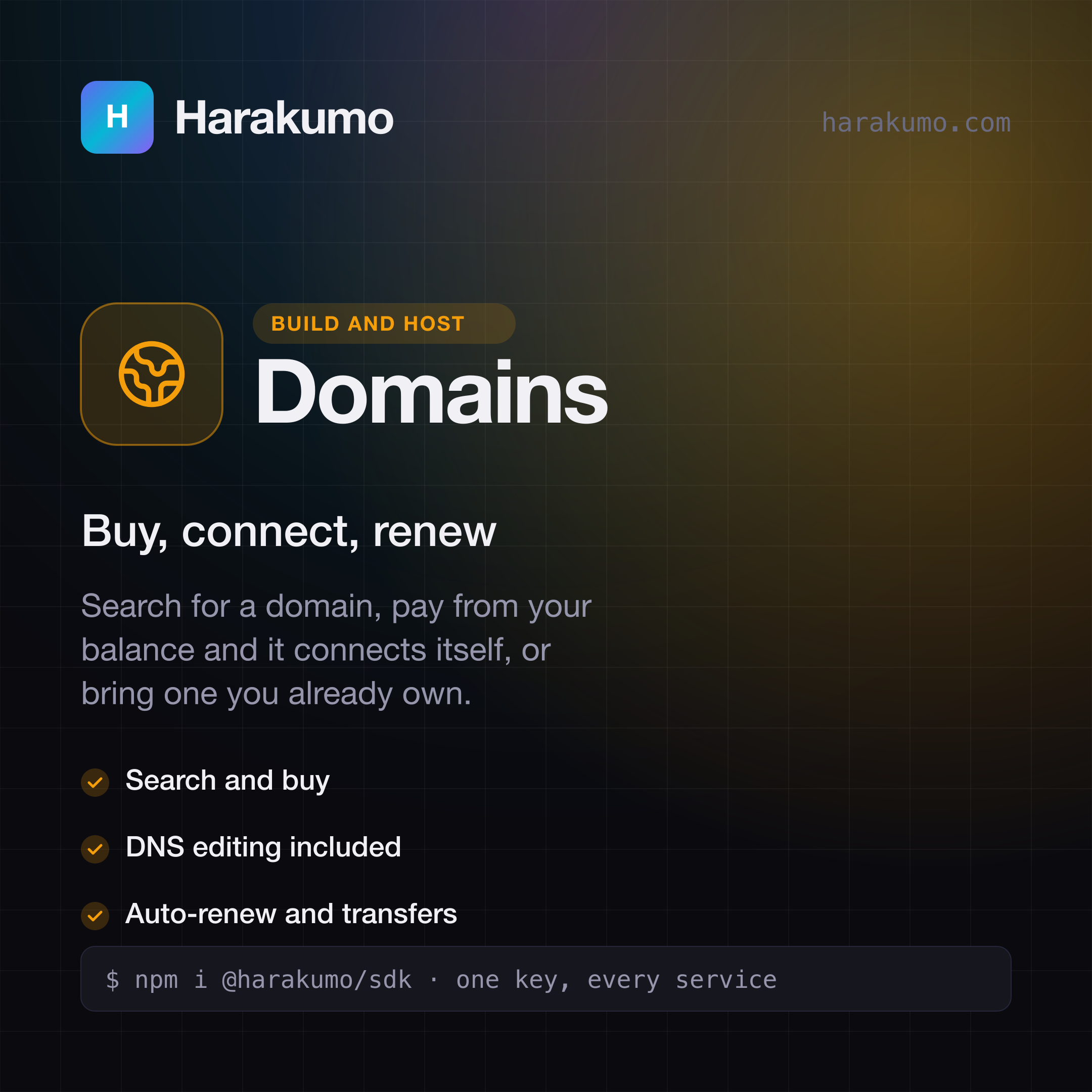
Harakumo Domains card: "Buy, connect, renew". Search for a domain, pay from your balance and it connects itself, or bring one you already own.
DomainsBuy, connect, renewSVGPNG
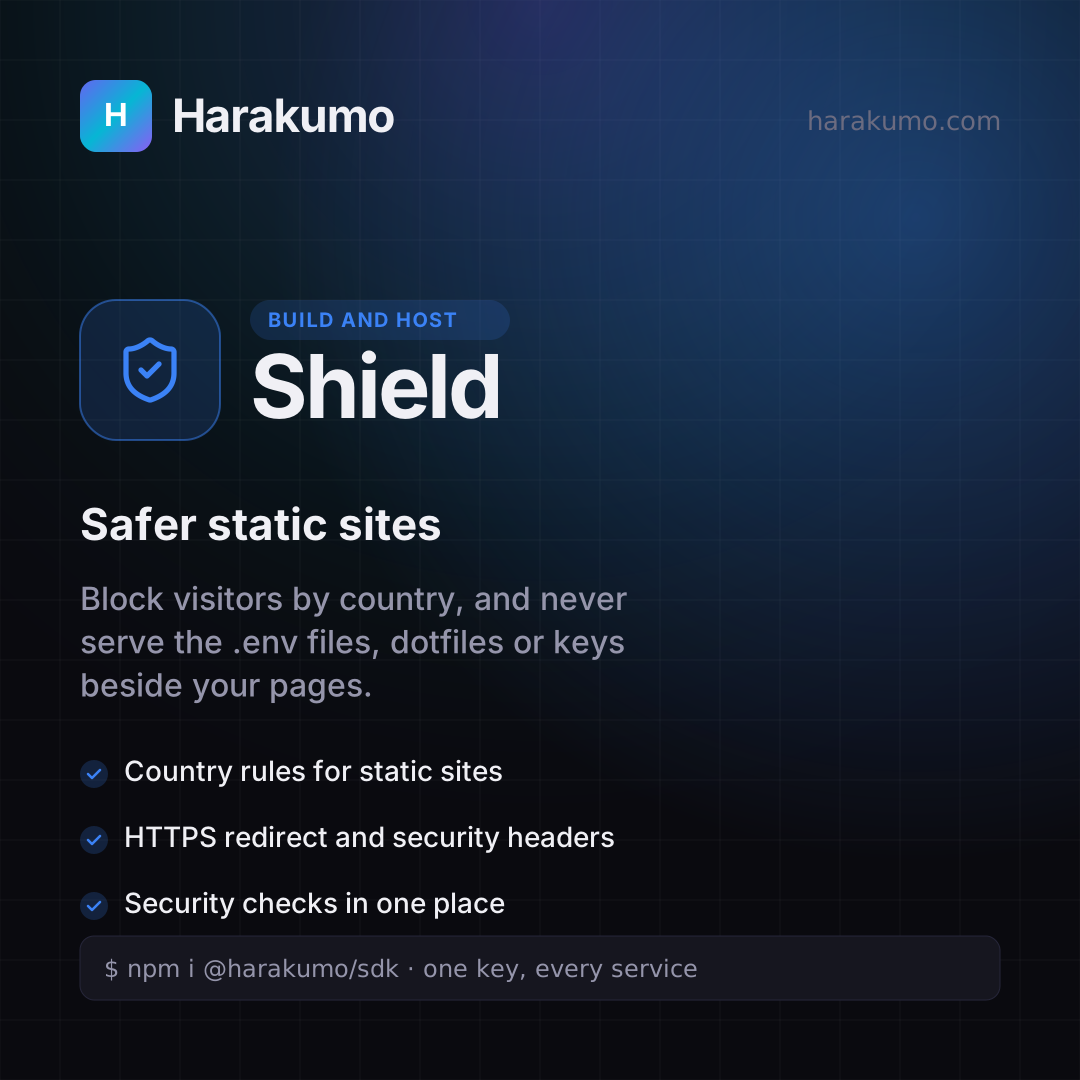
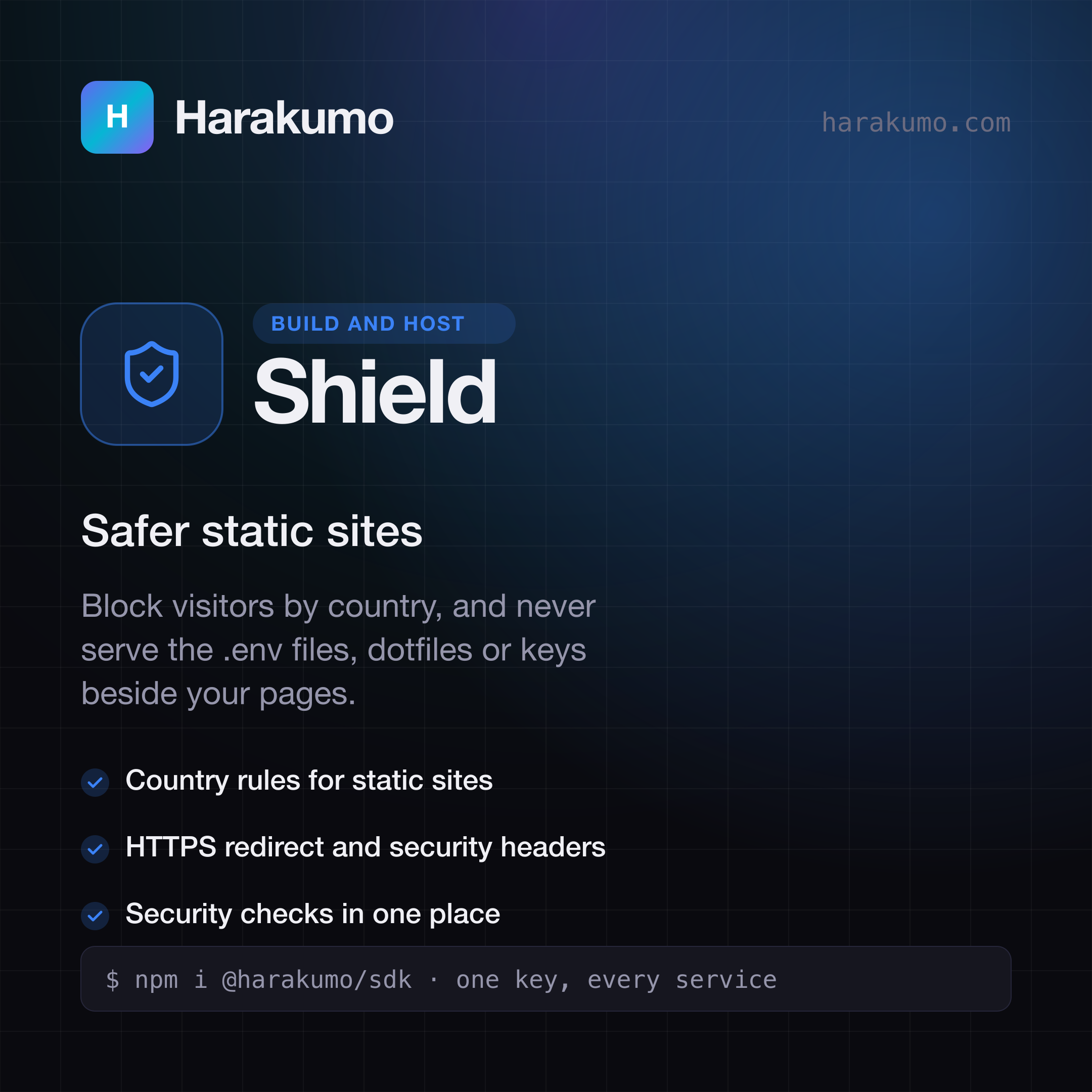
Harakumo Shield card: "Safer static sites". Block visitors by country, and never serve the .env files, dotfiles or keys beside your pages.
ShieldSafer static sitesSVGPNG
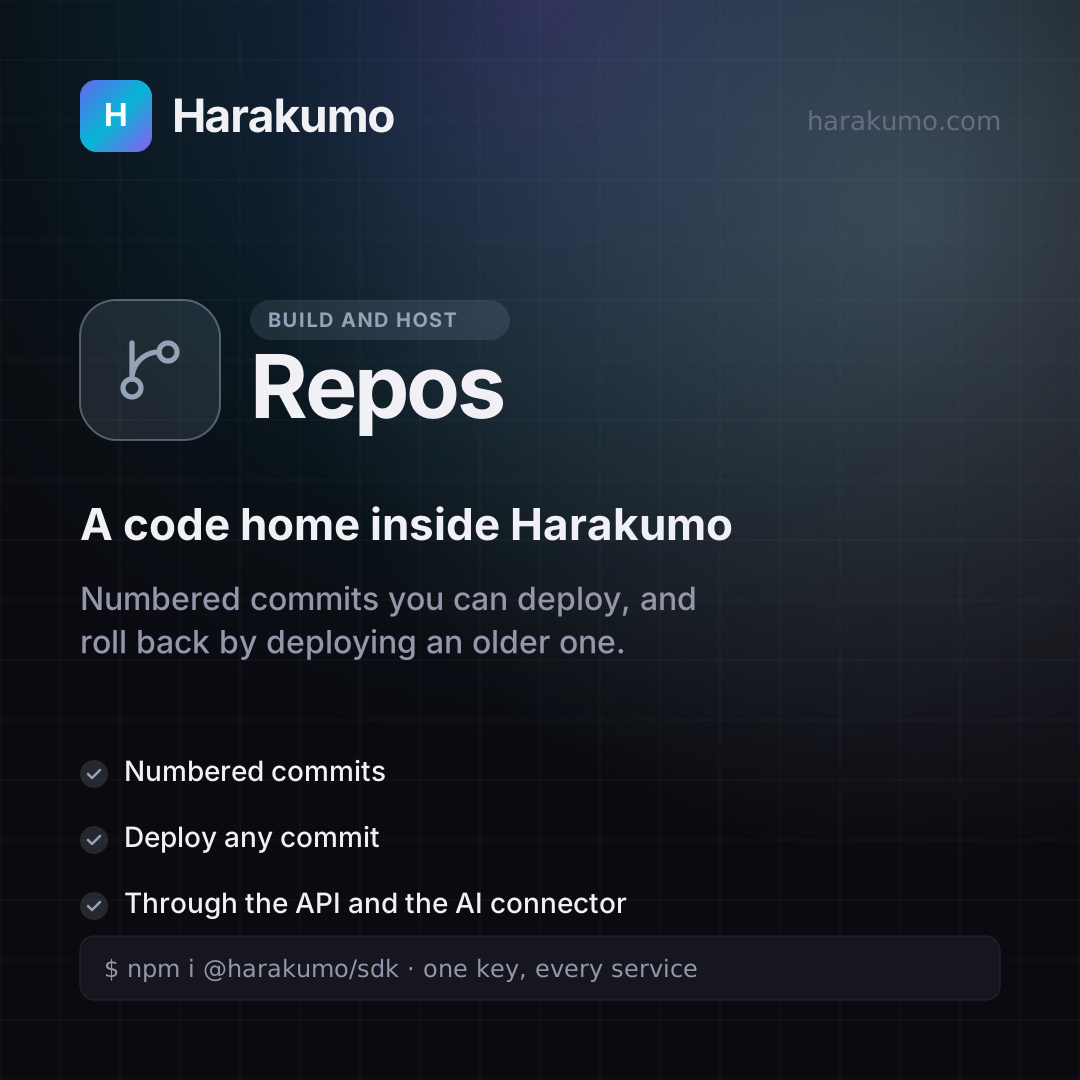
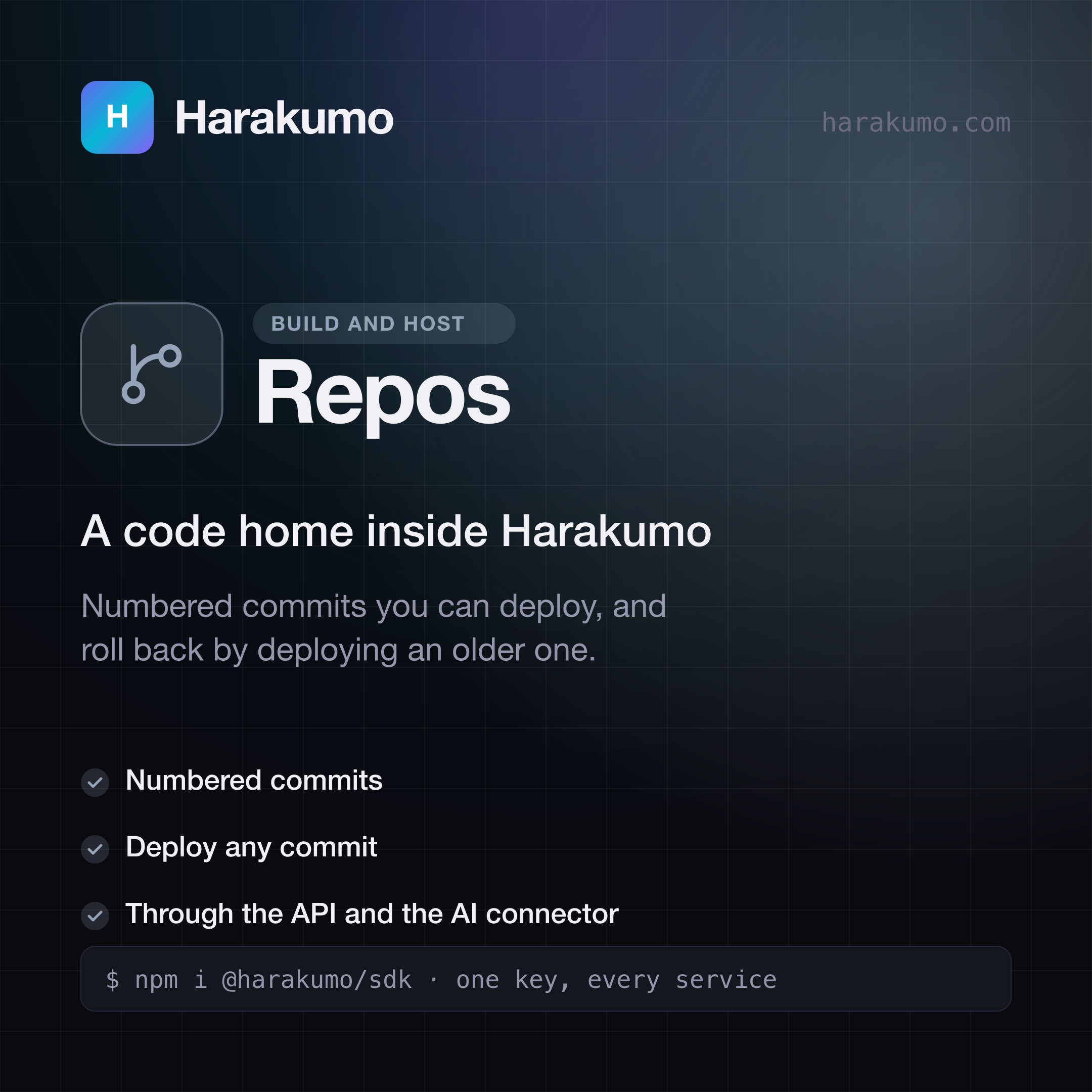
Harakumo Repos card: "A code home inside Harakumo". Numbered commits you can deploy, and roll back by deploying an older one.
ReposA code home inside HarakumoSVGPNG
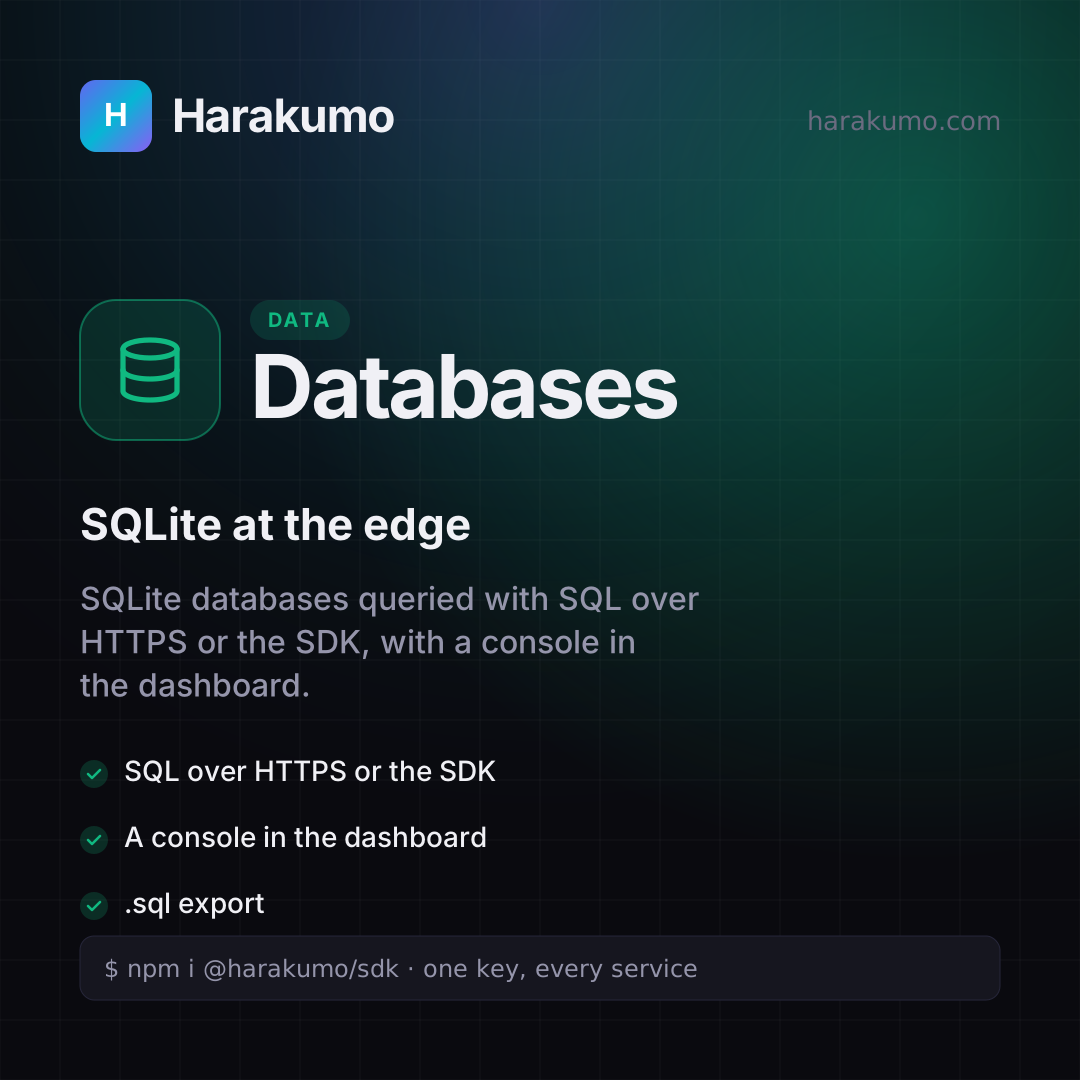
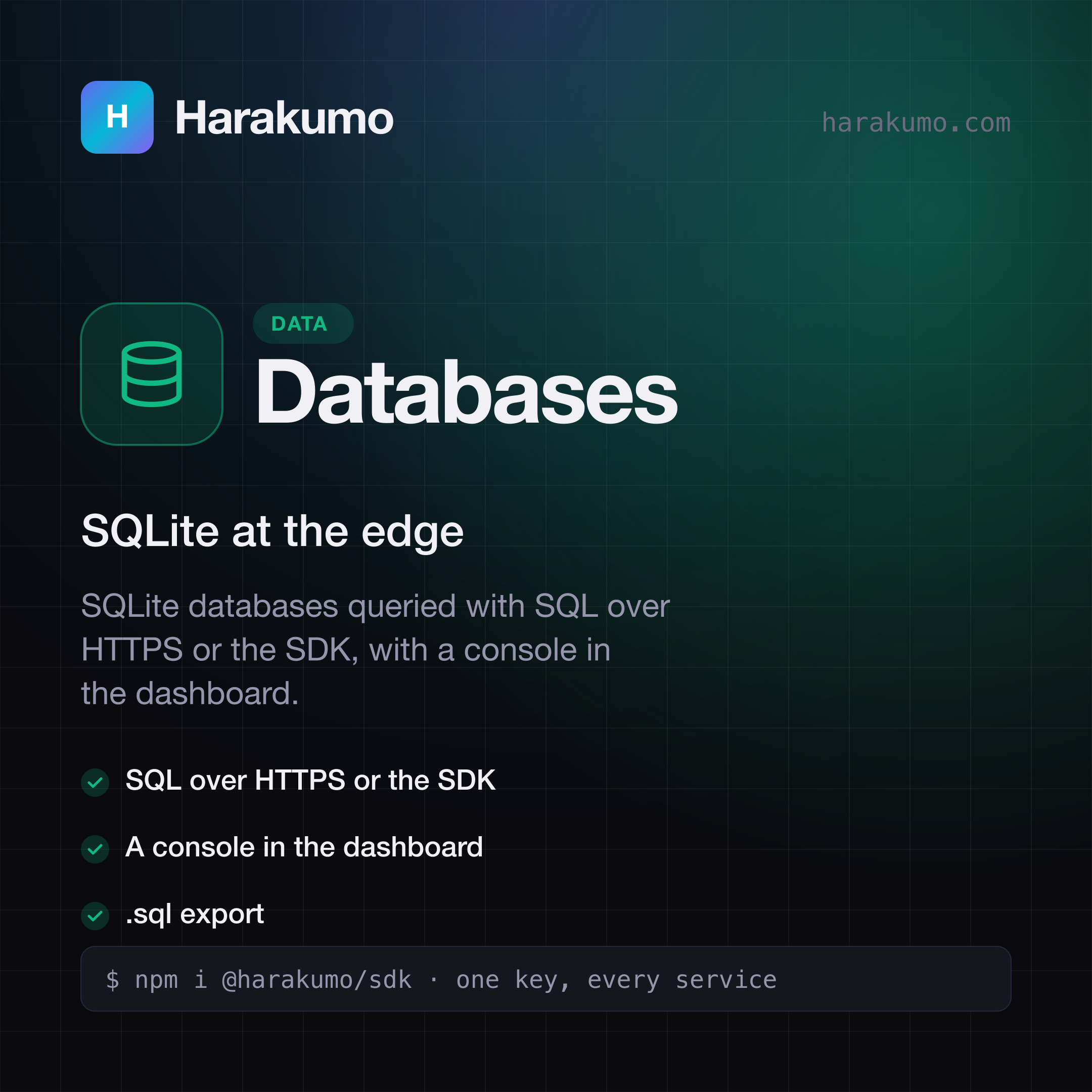
Harakumo Databases card: "SQLite at the edge". SQLite databases queried with SQL over HTTPS or the SDK, with a console in the dashboard.
DatabasesSQLite at the edgeSVGPNG
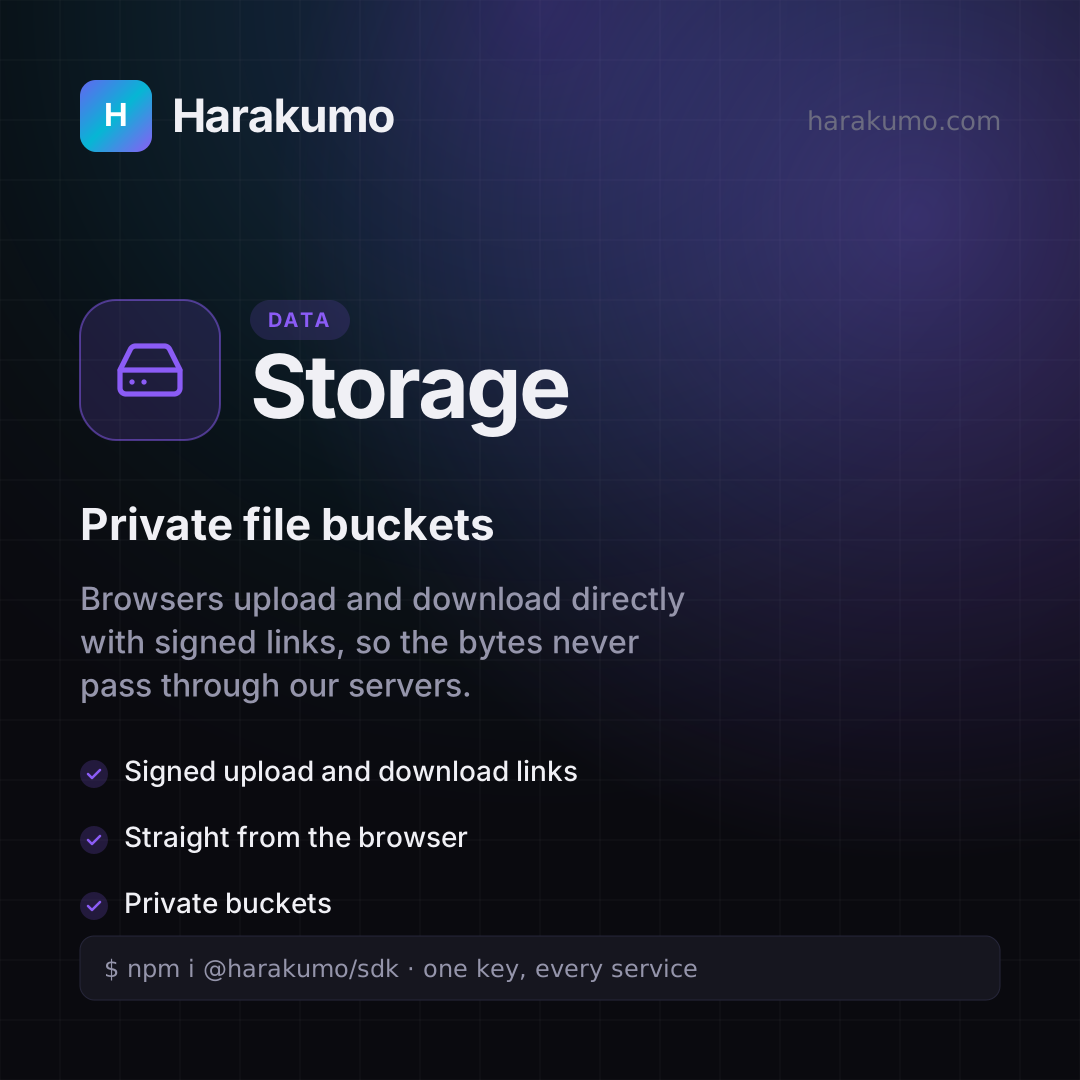
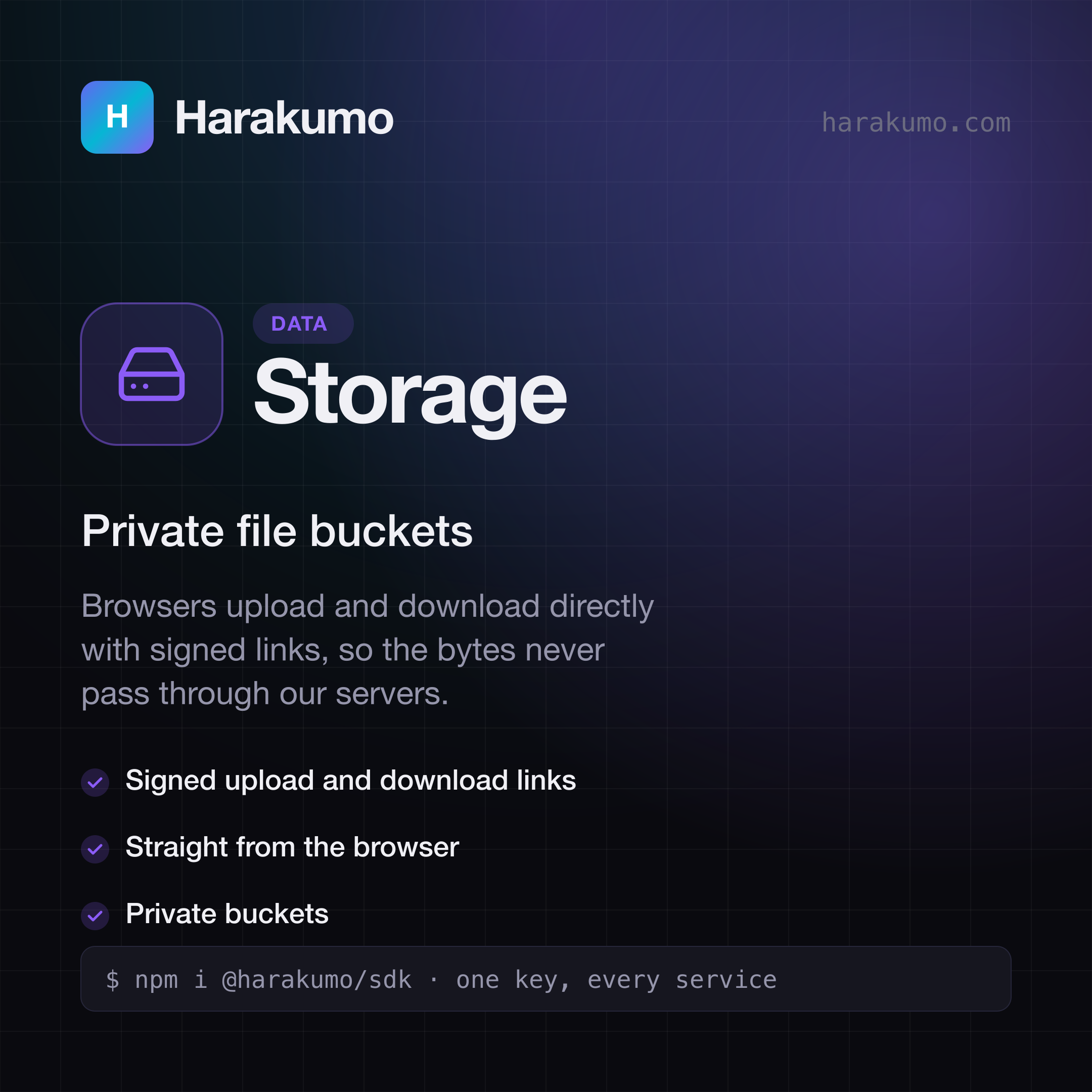
Harakumo Storage card: "Private file buckets". Browsers upload and download directly with signed links, so the bytes never pass through our servers.
StoragePrivate file bucketsSVGPNG
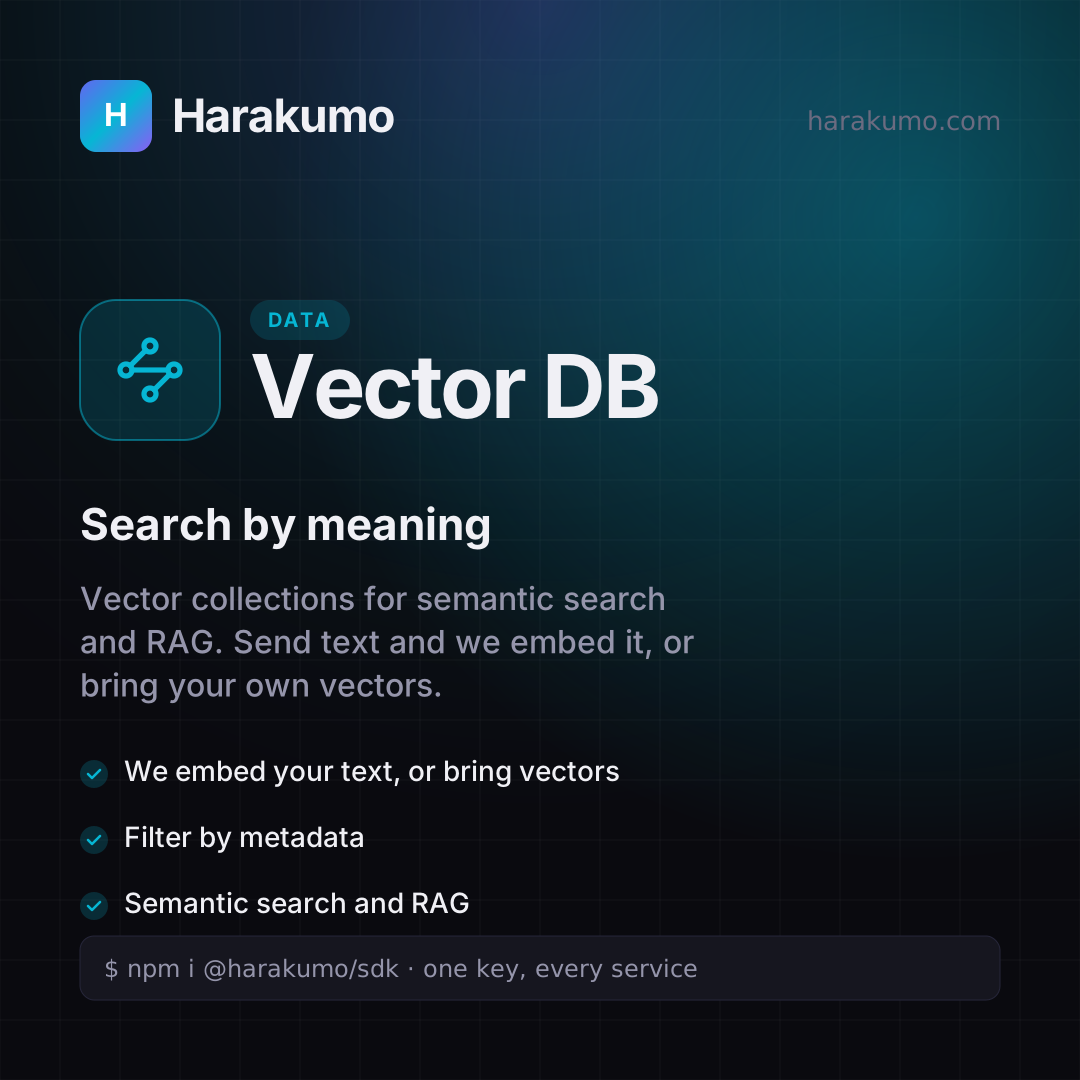
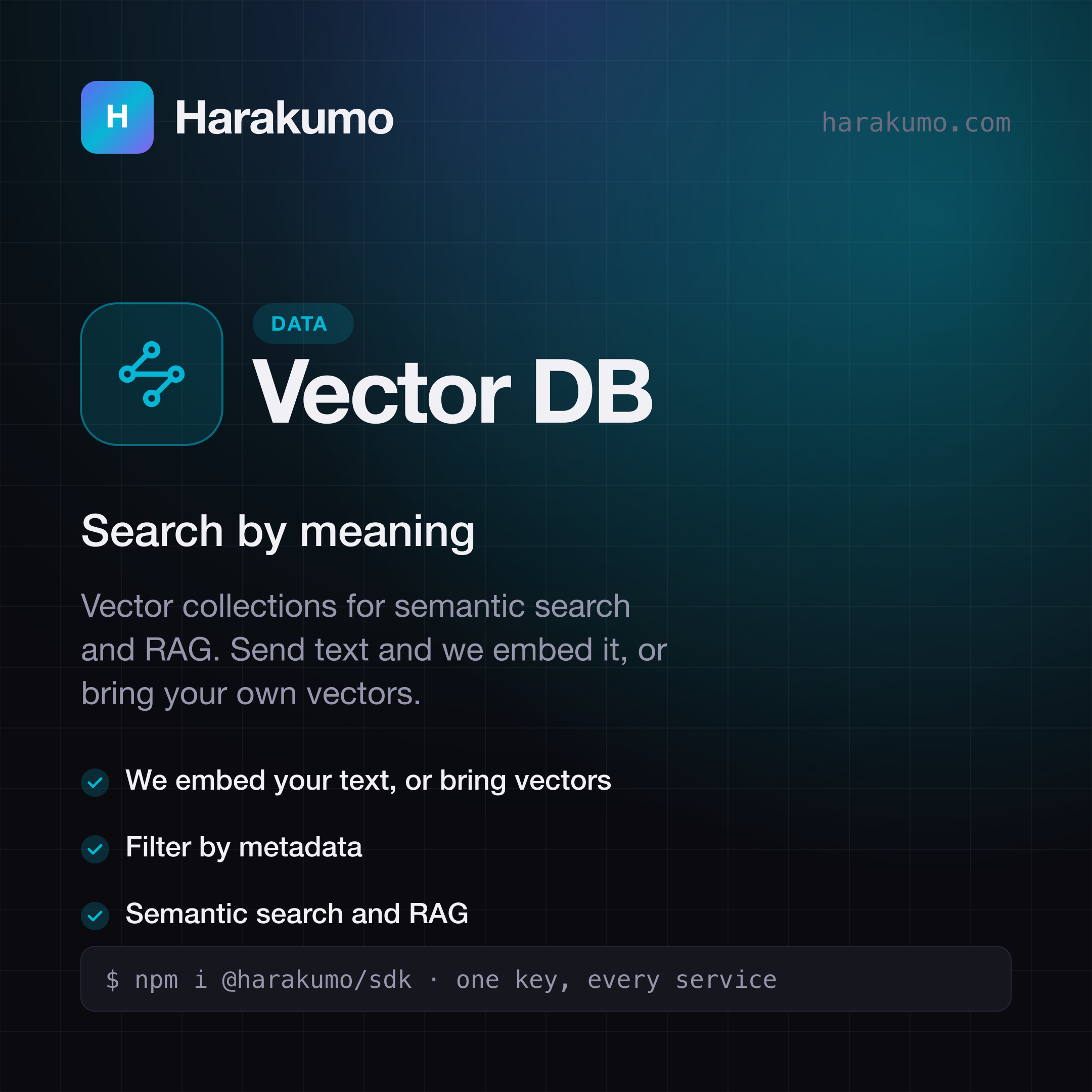
Harakumo Vector DB card: "Search by meaning". Vector collections for semantic search and RAG. Send text and we embed it, or bring your own vectors.
Vector DBSearch by meaningSVGPNG
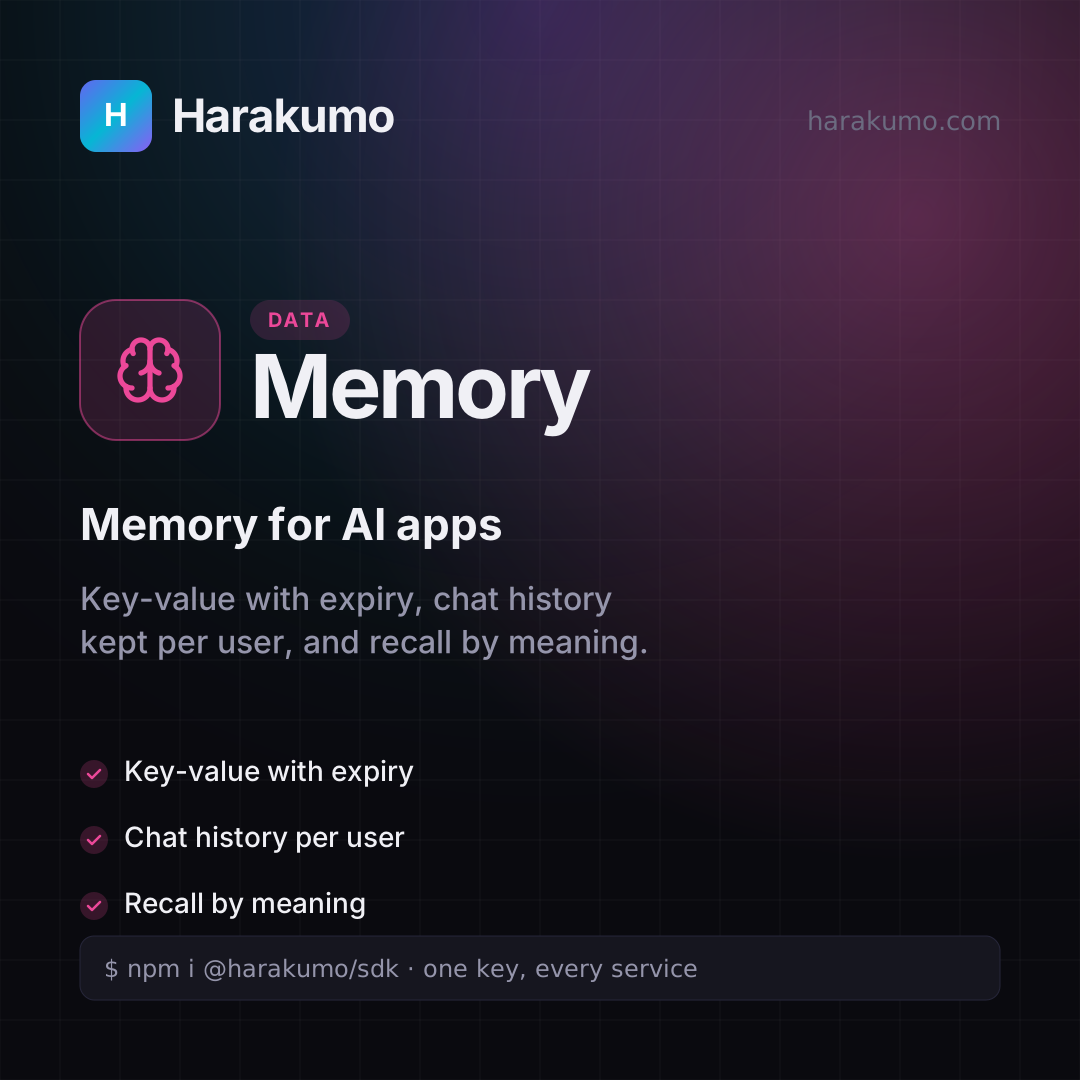
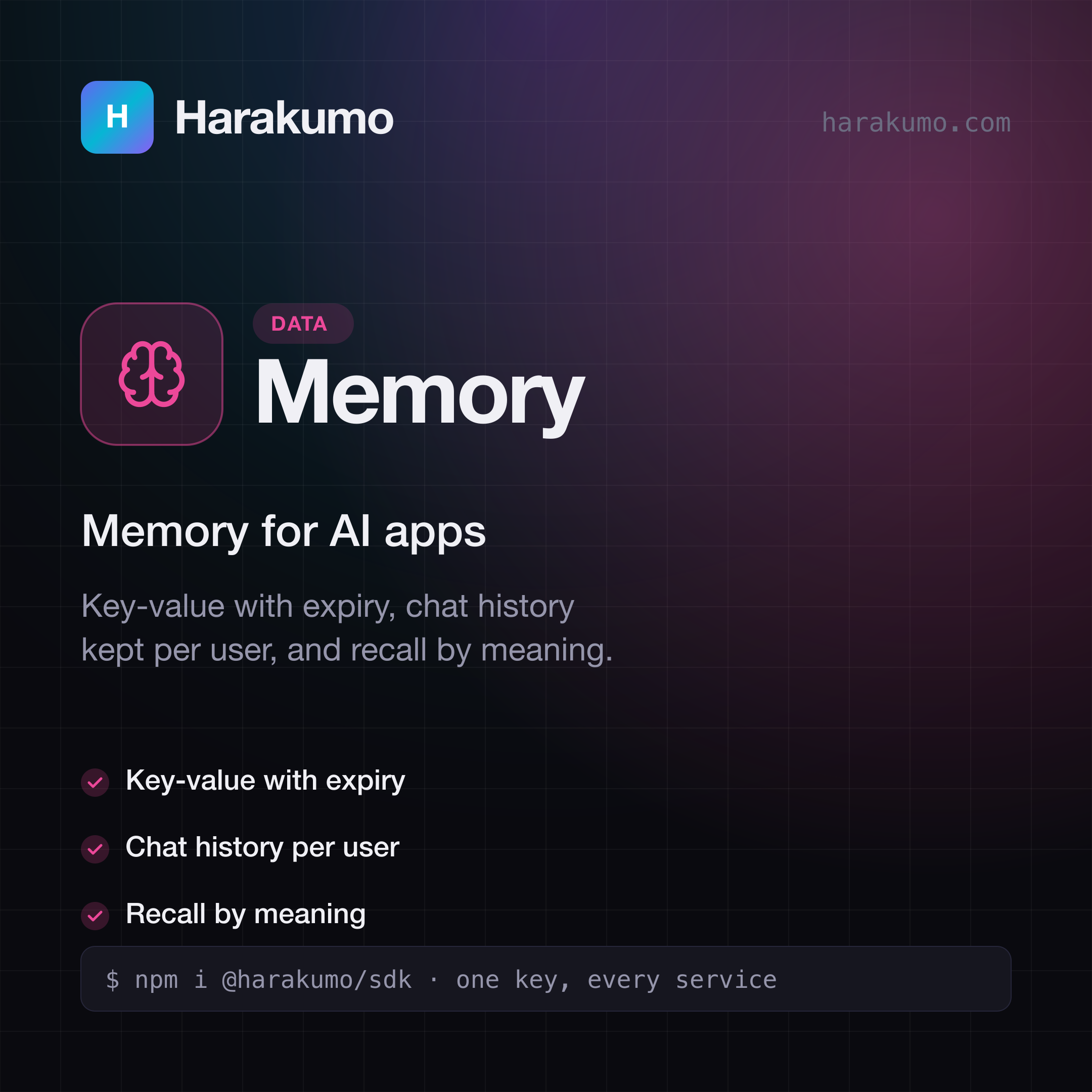
Harakumo Memory card: "Memory for AI apps". Key-value with expiry, chat history kept per user, and recall by meaning.
MemoryMemory for AI appsSVGPNG
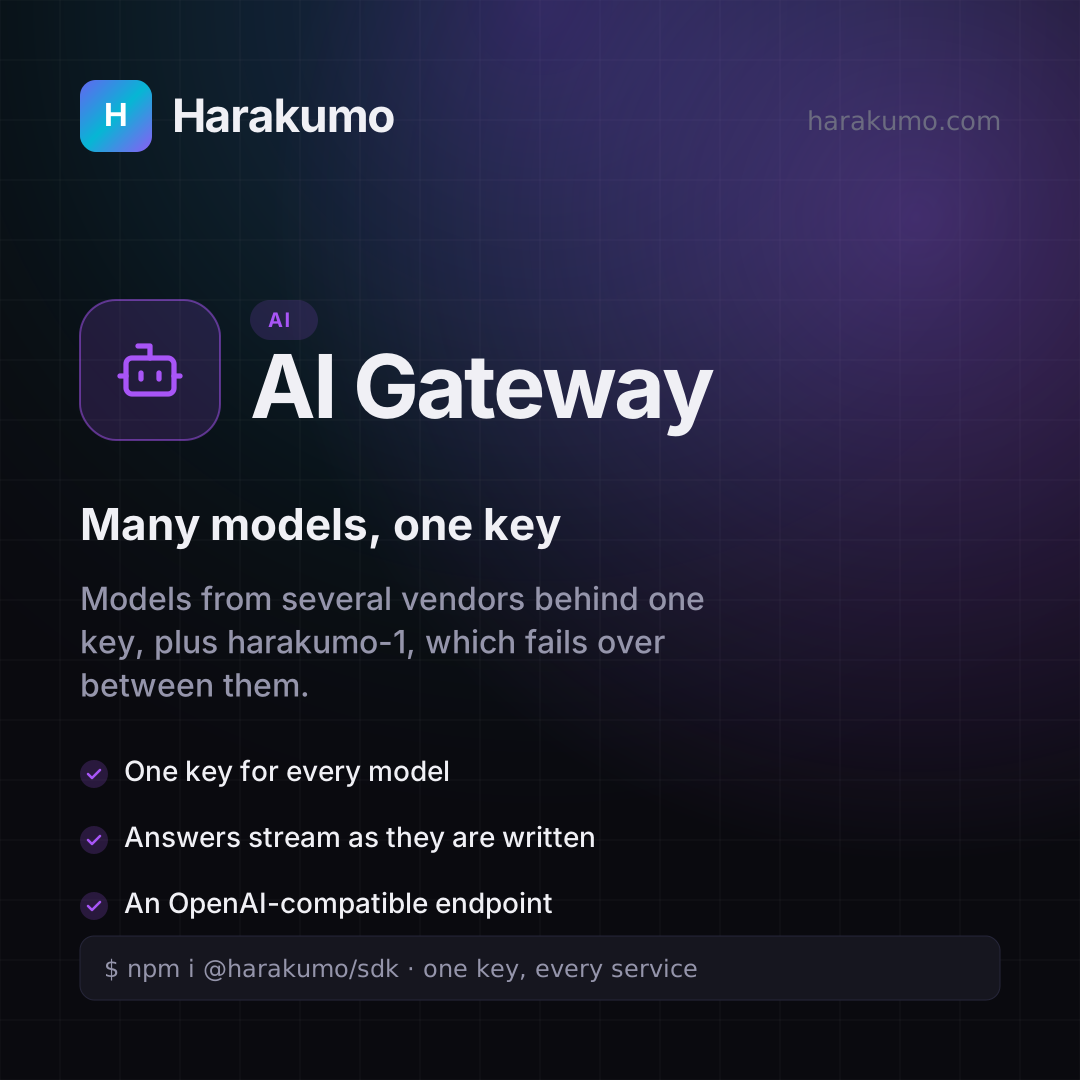
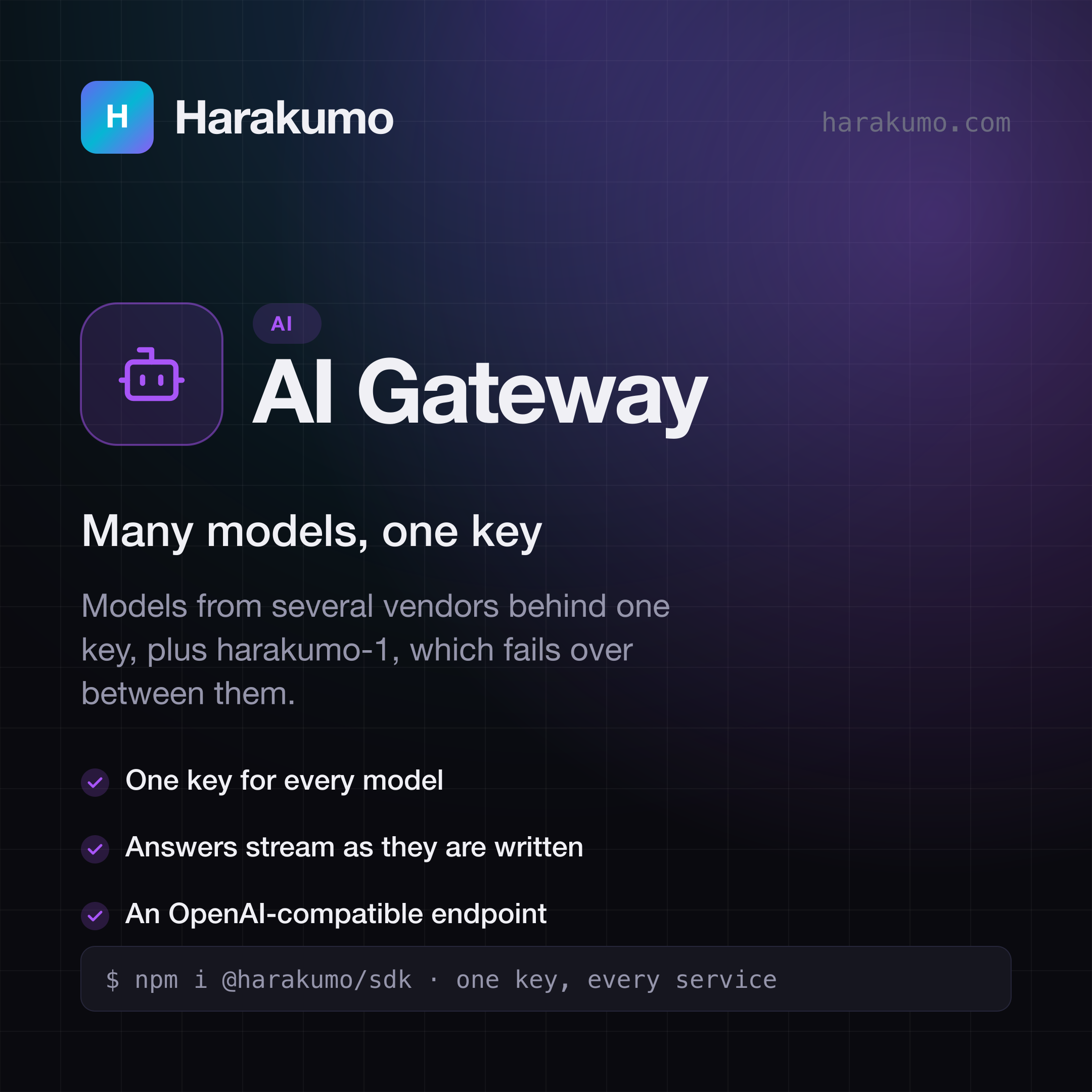
Harakumo AI Gateway card: "Many models, one key". Models from several vendors behind one key, plus harakumo-1, which fails over between them.
AI GatewayMany models, one keySVGPNG
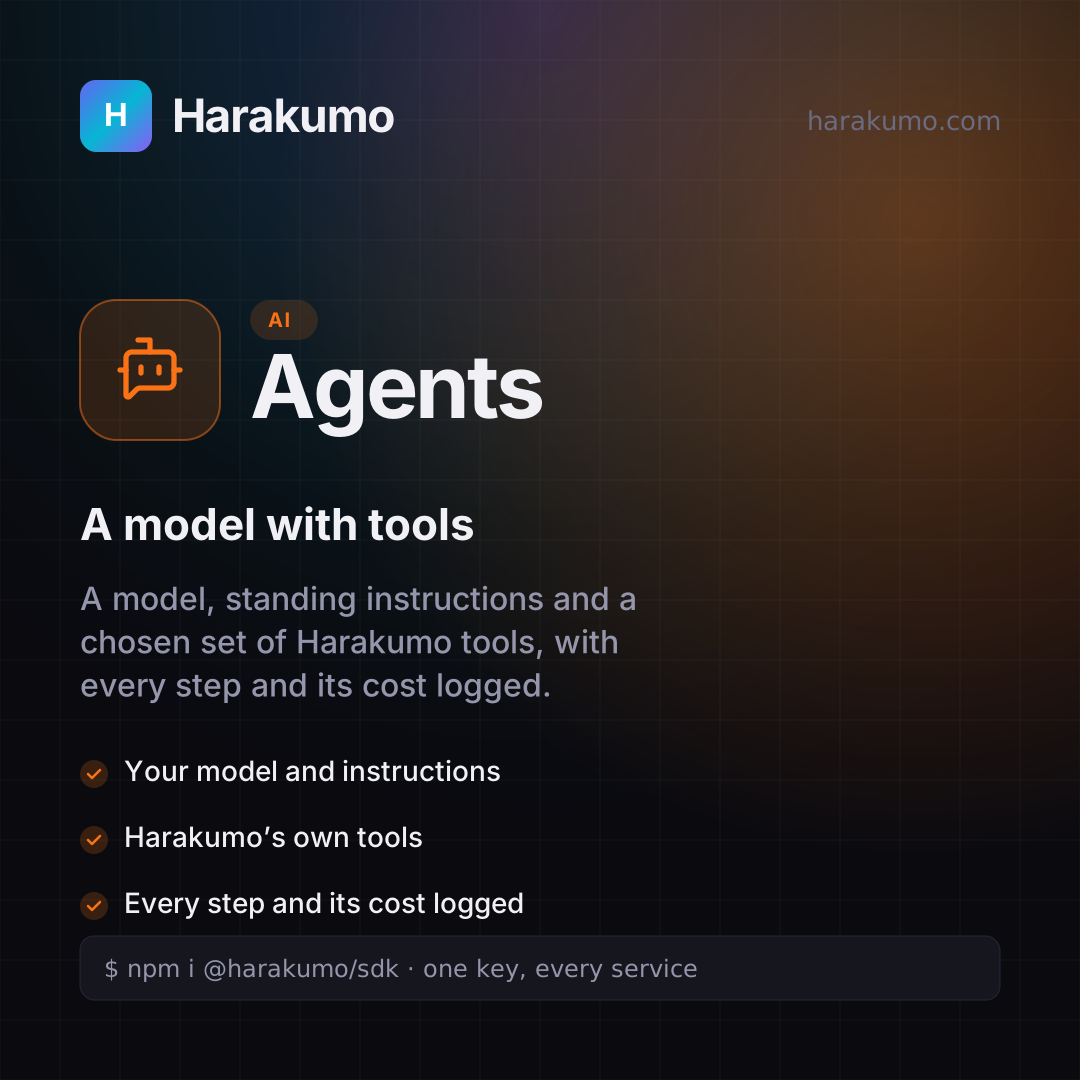
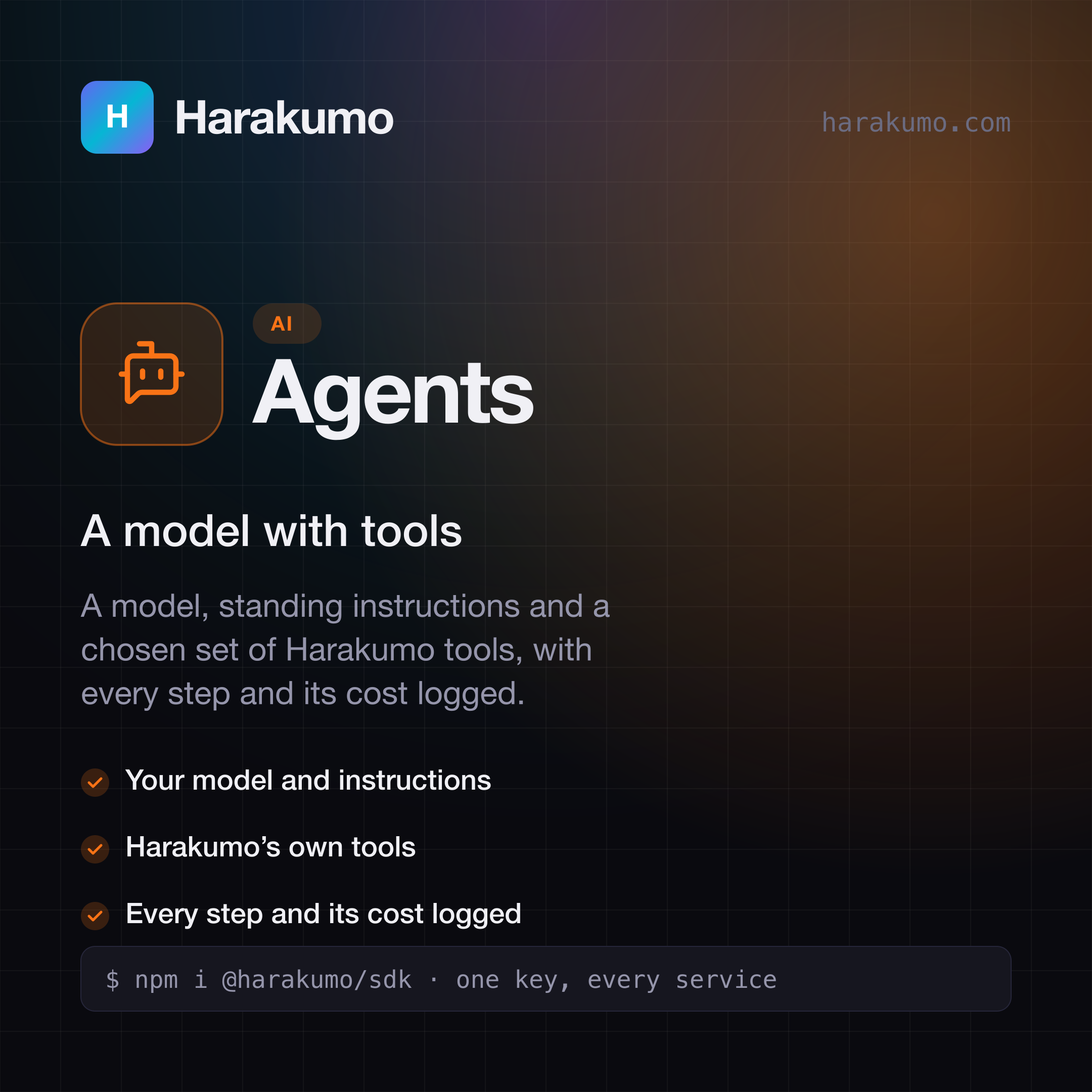
Harakumo Agents card: "A model with tools". A model, standing instructions and a chosen set of Harakumo tools, with every step and its cost logged.
AgentsA model with toolsSVGPNG
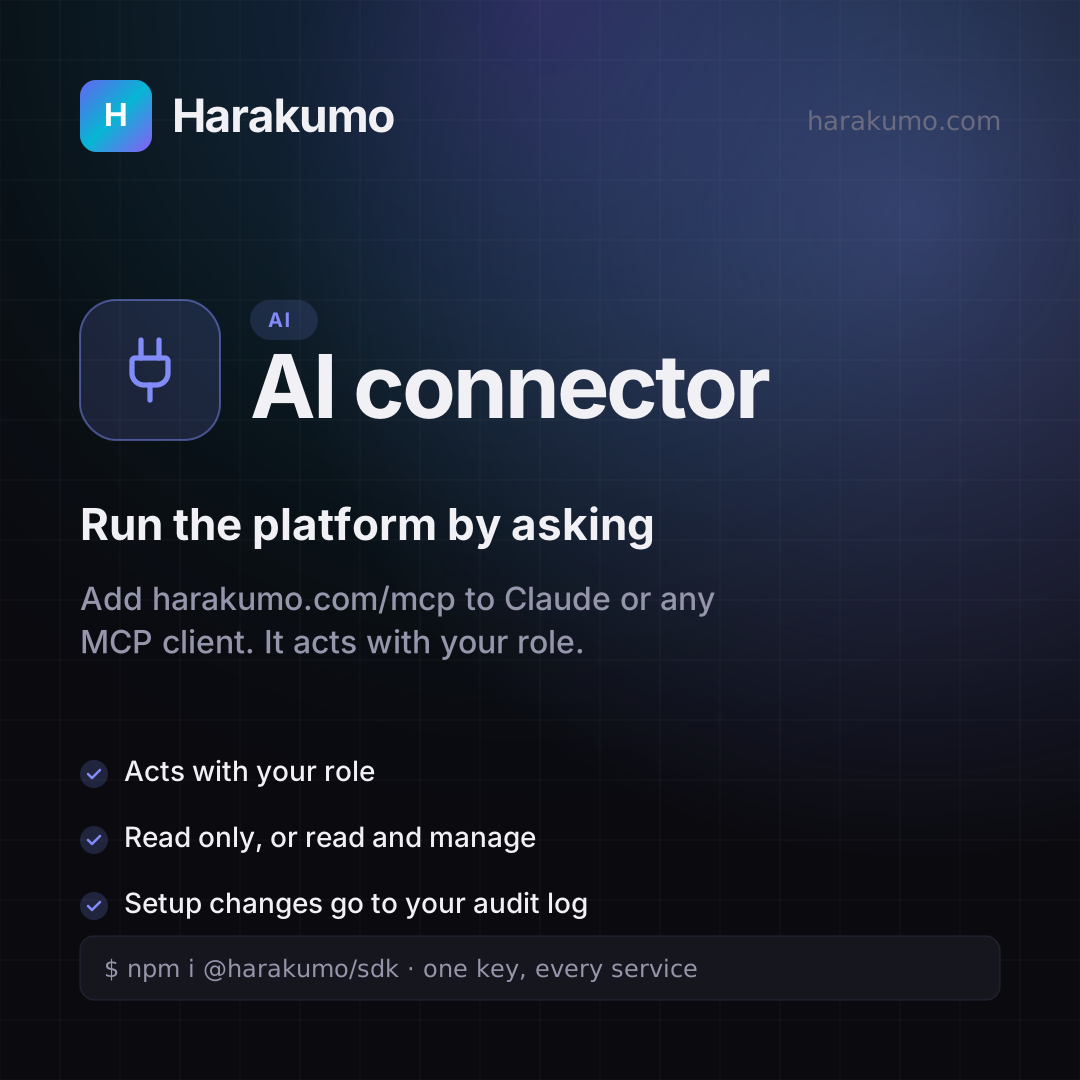
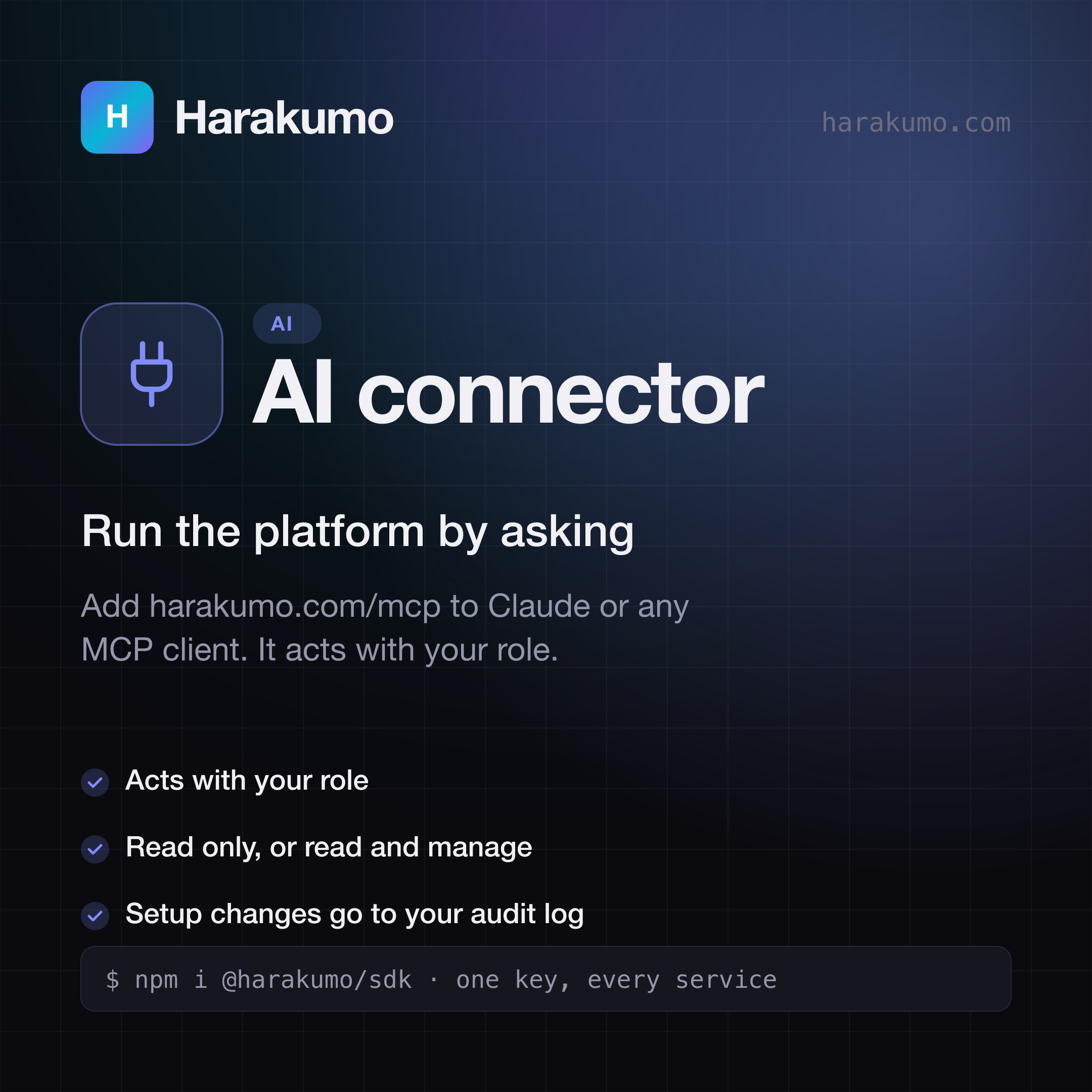
Harakumo AI connector card: "Run the platform by asking". Add harakumo.com/mcp to Claude or any MCP client. It acts with your role.
AI connectorRun the platform by askingSVGPNG
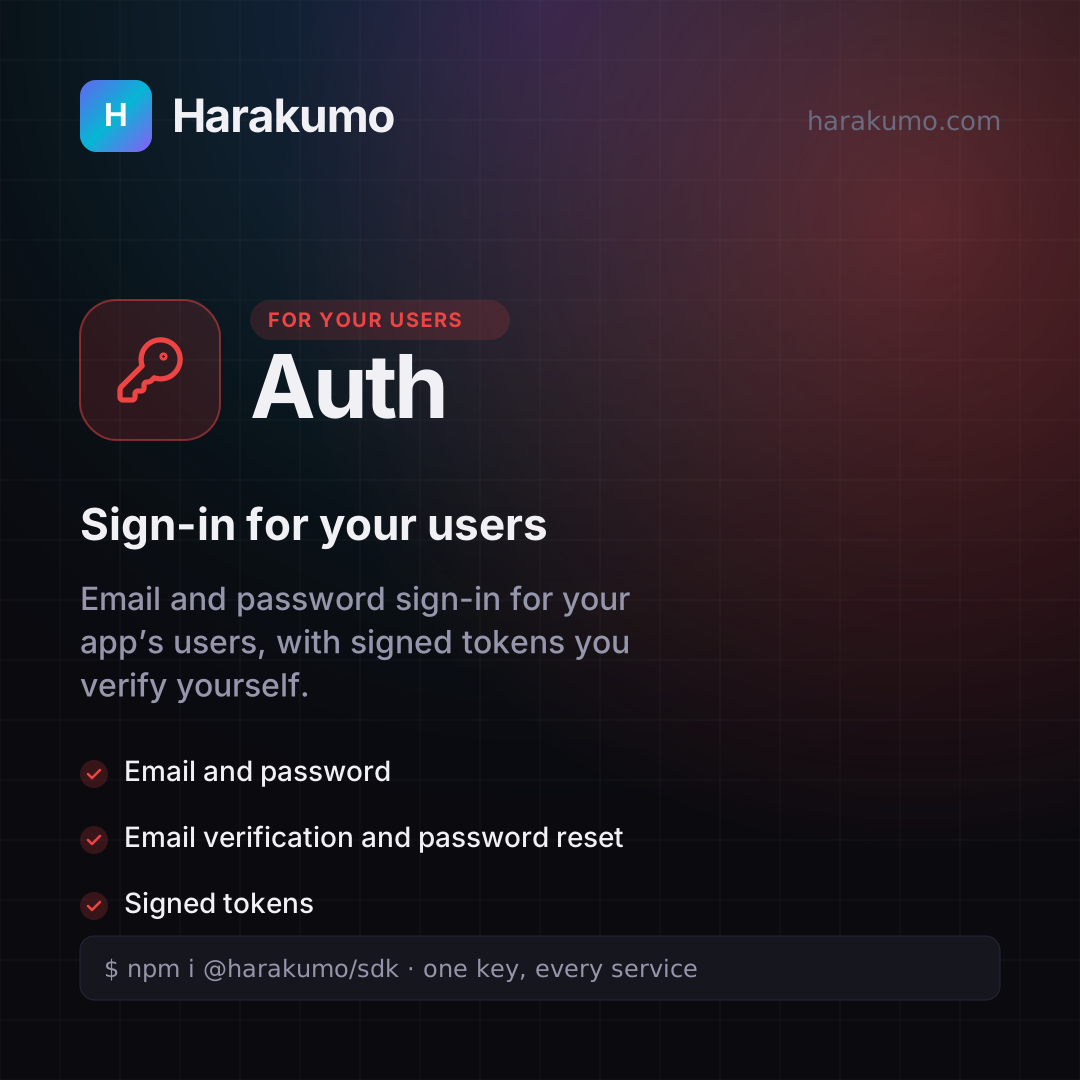
Harakumo Auth card: "Sign-in for your users". Email and password sign-in for your app’s users, with signed tokens you verify yourself.
AuthSign-in for your usersSVGPNG
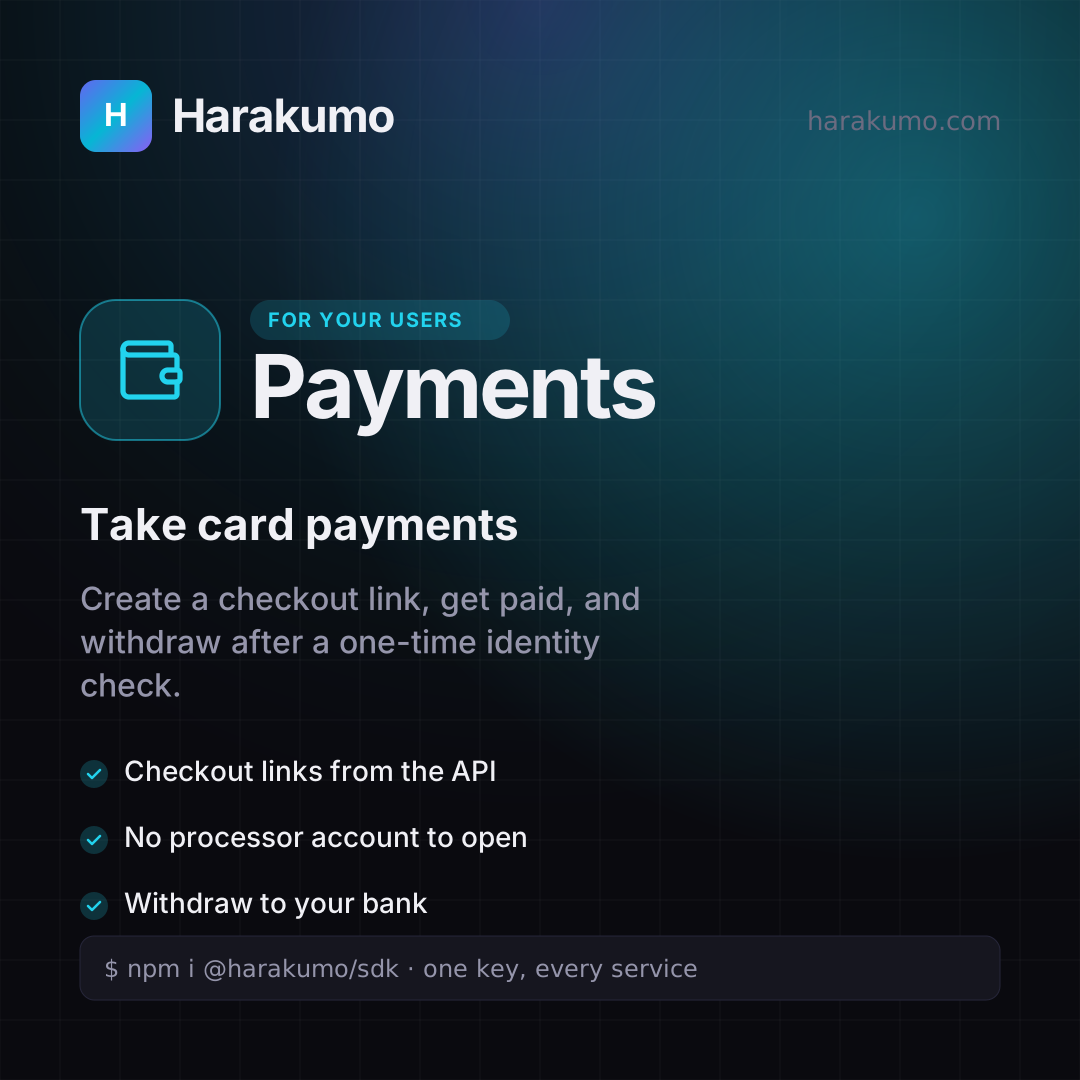
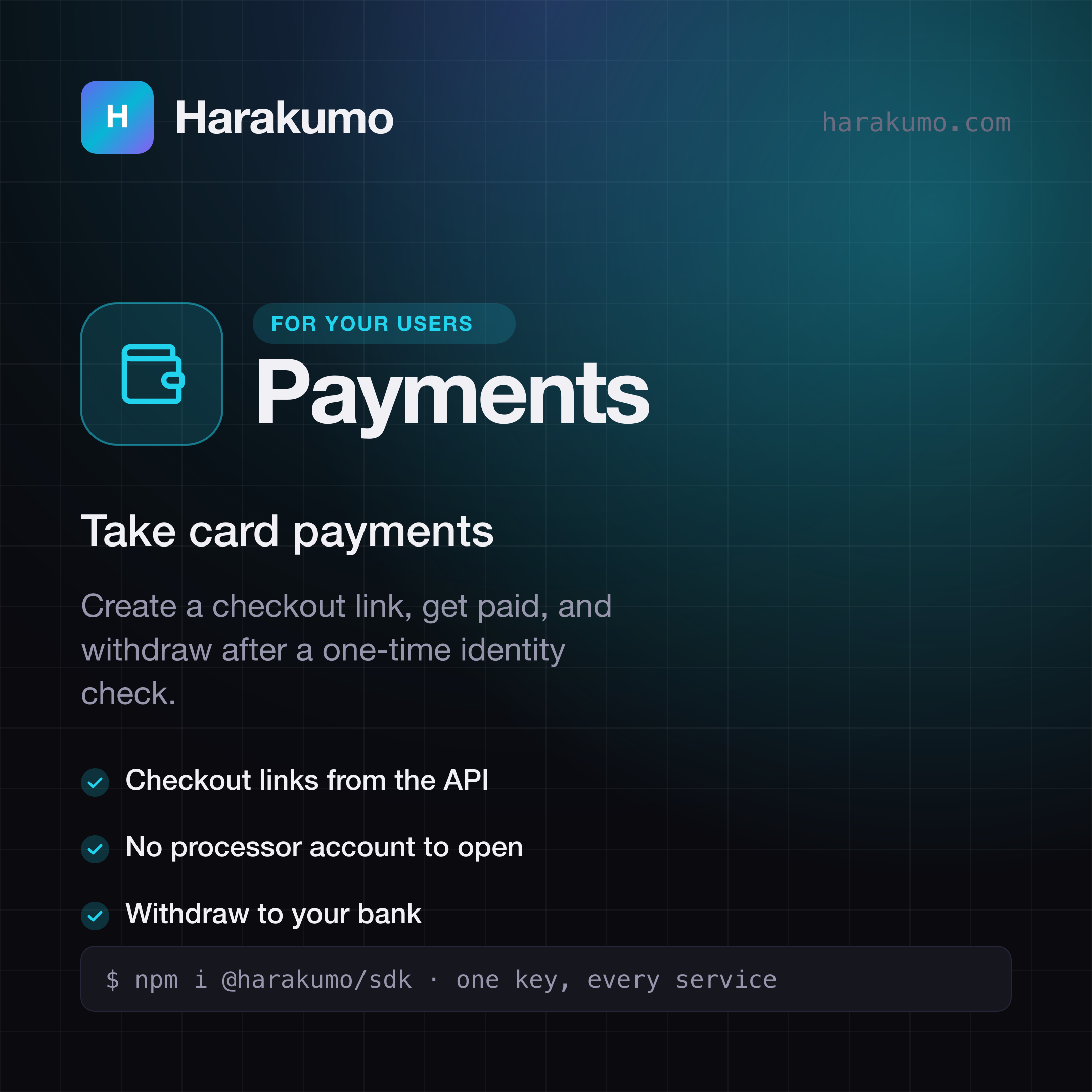
Harakumo Payments card: "Take card payments". Create a checkout link, get paid, and withdraw after a one-time identity check.
PaymentsTake card paymentsSVGPNG
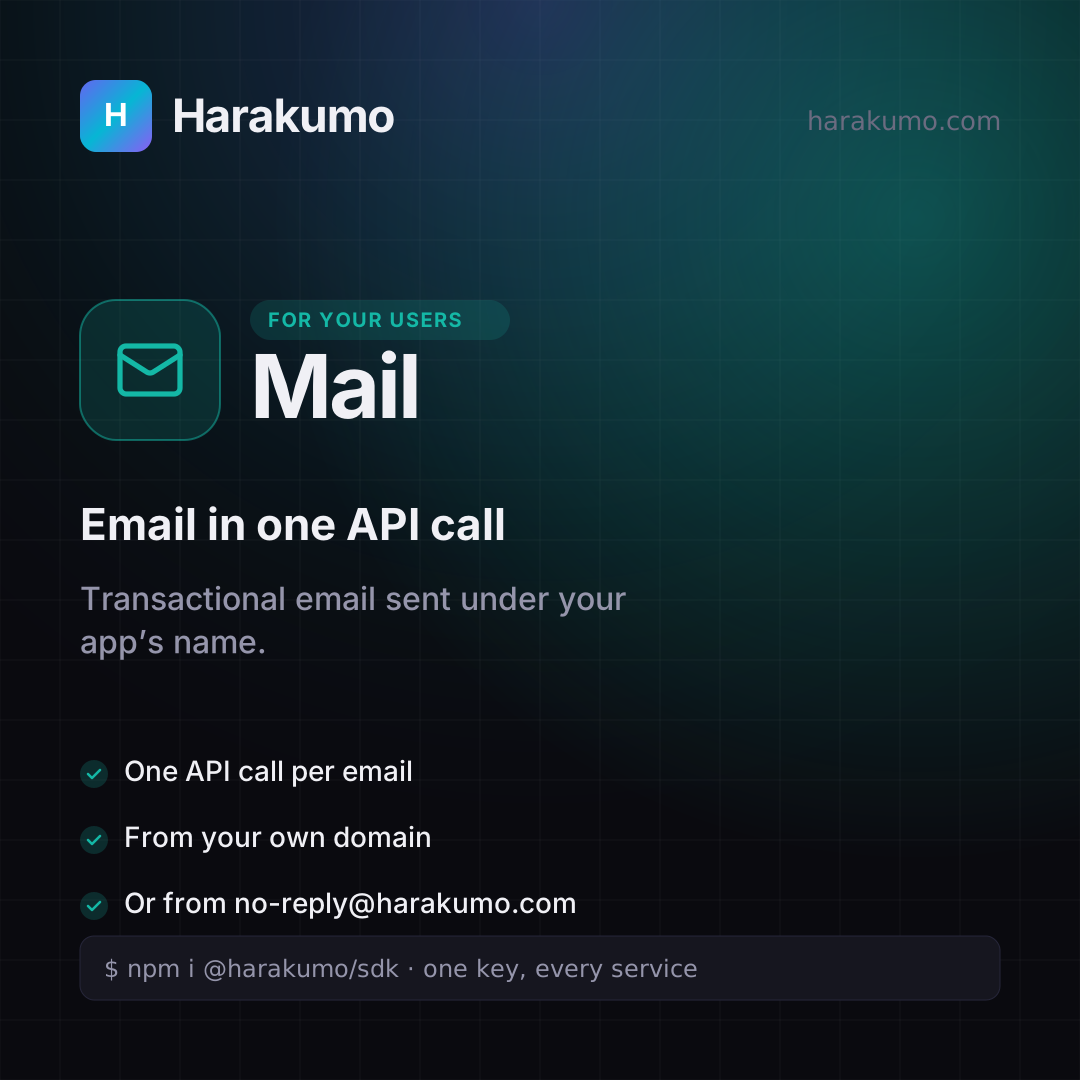
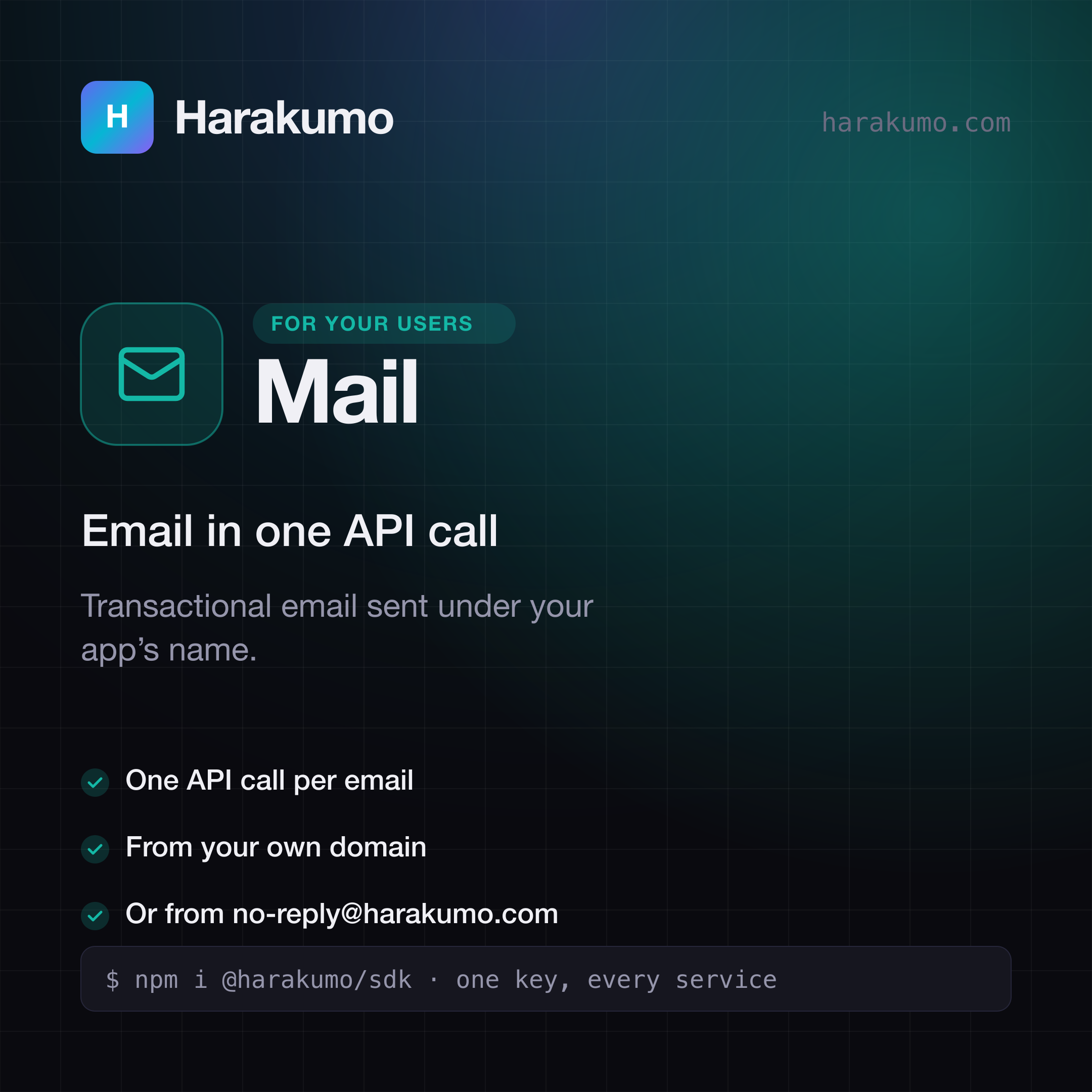
Harakumo Mail card: "Email in one API call". Transactional email sent under your app’s name.
MailEmail in one API callSVGPNG
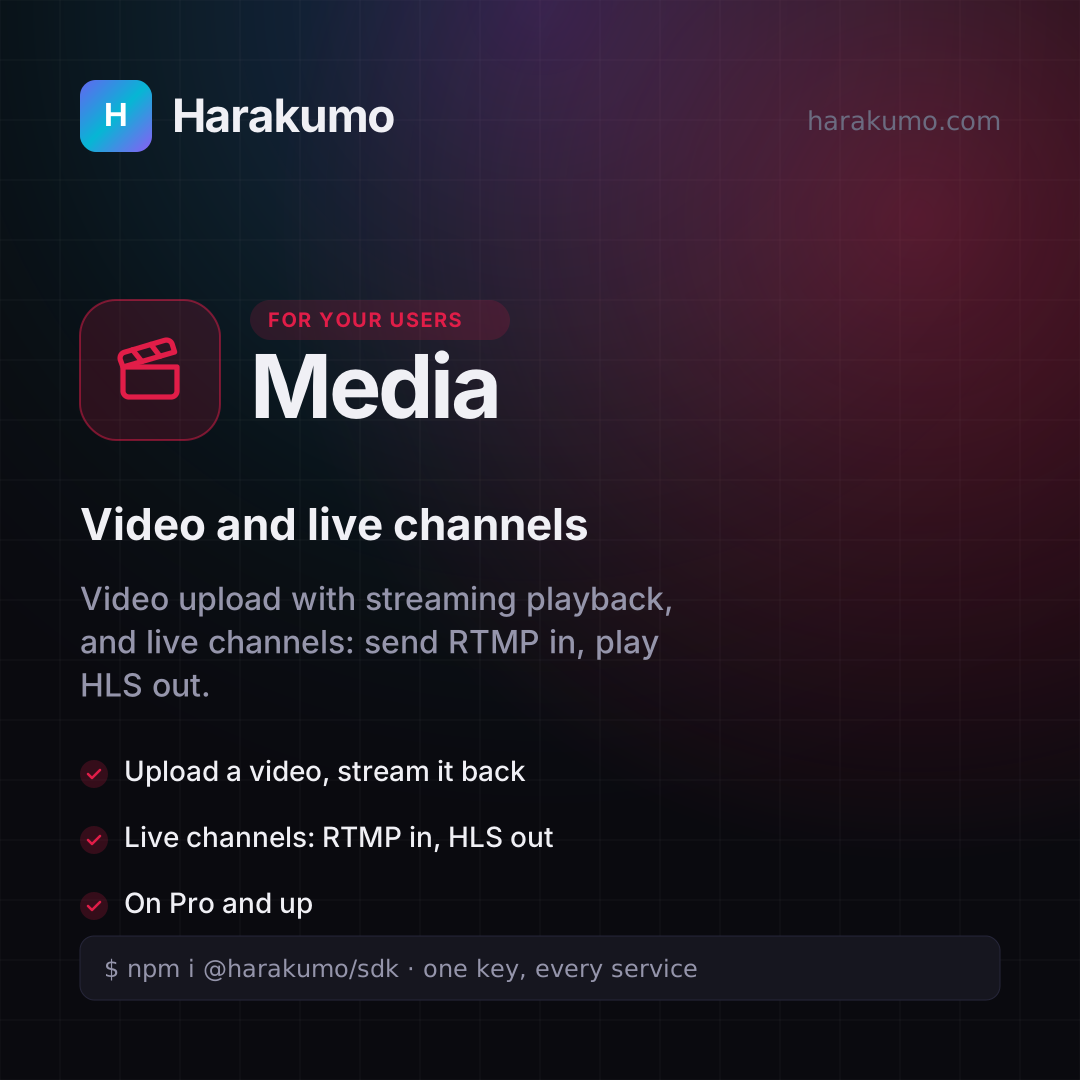
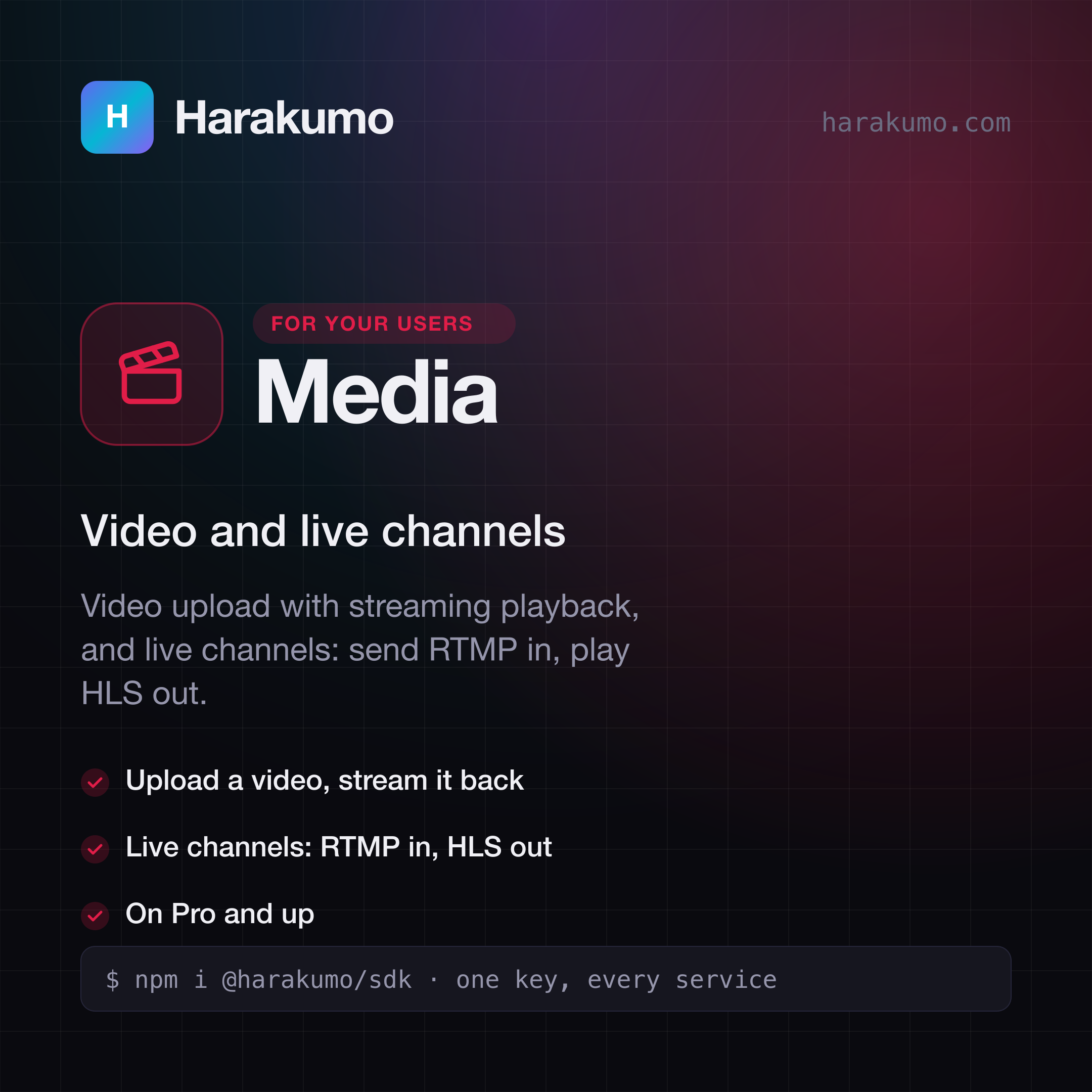
Harakumo Media card: "Video and live channels". Video upload with streaming playback, and live channels: send RTMP in, play HLS out.
MediaVideo and live channelsSVGPNG

Writing about Harakumo?

For press questions, or a file you need that is not here, send us a message and a person will reply by email.